Your smartphone recognizes your face in an instant. Your laptop edits 4K videos smoothly. An AI chatbot writes essays, translates languages, and creates images within seconds. Behind these impressive capabilities are three different types of processors working together: the CPU, GPU, and NPU.
Although these three chips often sit on the same device, they are designed for very different jobs. Each has its own strengths, weaknesses, and purpose. Understanding how they work not only helps explain modern technology but also makes it easier to choose the right computer, smartphone, or AI-powered device.
As artificial intelligence becomes part of everyday life, the role of NPUs is growing rapidly. Yet CPUs and GPUs remain just as important. Rather than replacing one another, these processors cooperate like members of a highly skilled team, each specializing in different kinds of work.
Why Modern Computers Need More Than One Processor
Imagine building a house.
One worker carefully plans every step and coordinates the project. Another group lifts heavy materials and performs repetitive construction tasks. A third team specializes in installing advanced smart-home technology.
Trying to make one person do every job would be slow and inefficient.
Modern computers face a similar challenge. Some tasks require careful decision-making. Others involve performing millions or even billions of nearly identical calculations at the same time. AI workloads introduce yet another challenge: rapidly processing enormous mathematical models while using as little power as possible.
Instead of relying on a single processor, computers now divide work among specialized chips.
This specialization makes devices faster, more energy-efficient, and capable of handling workloads that would once have been impossible.
What Is a CPU?
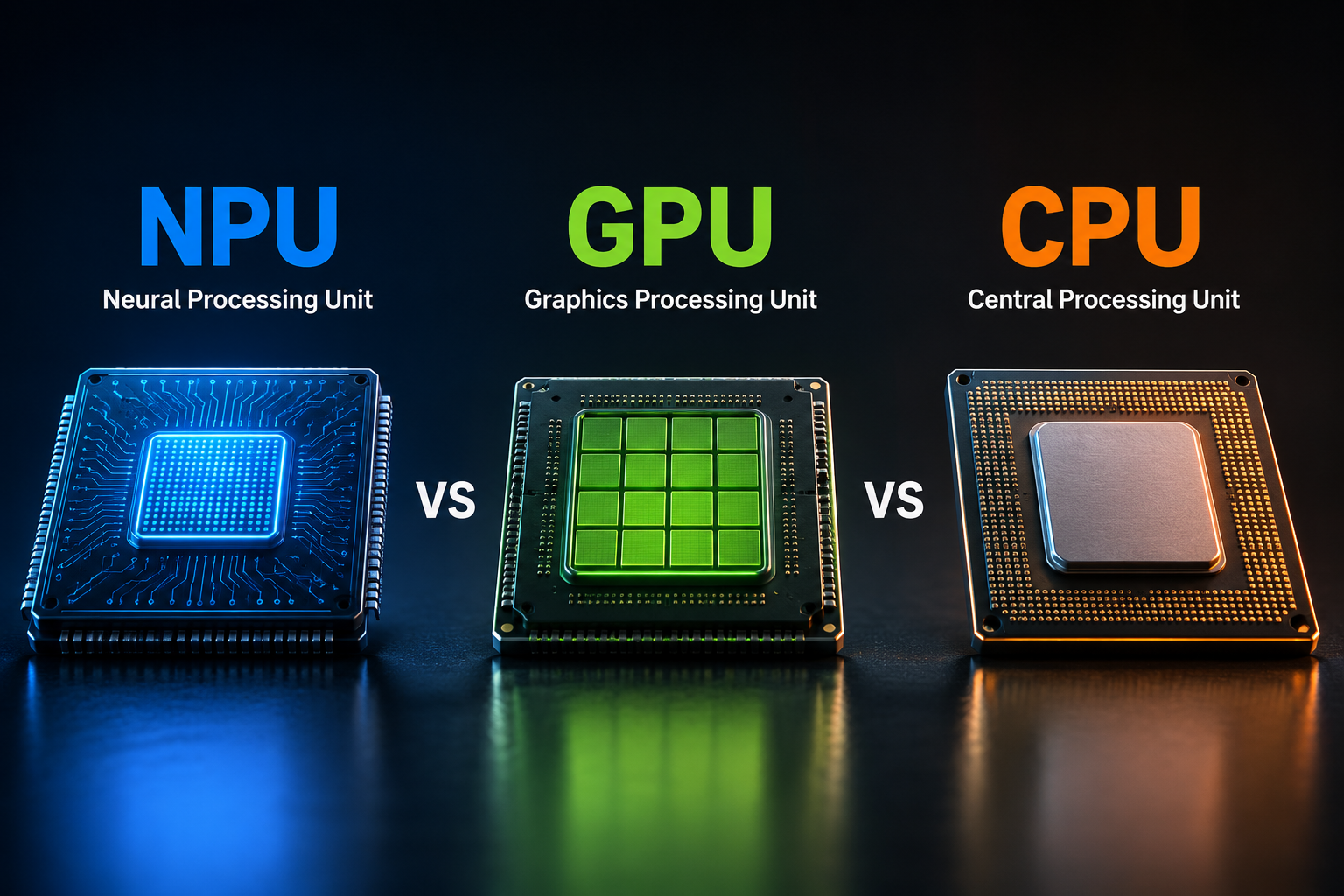
The Central Processing Unit (CPU) is often called the brain of a computer.
It is responsible for executing instructions, running operating systems, managing applications, and coordinating nearly every activity inside a device.
Whenever you open a web browser, save a document, install software, or launch a game, the CPU is directing these operations.
Unlike processors designed for one specific task, the CPU is extremely flexible. It can quickly switch between many different kinds of work.
Modern CPUs contain several processing cores. Each core can execute instructions independently, allowing multiple programs to run simultaneously.
Although today’s CPUs are much more powerful than those of previous decades, they still prioritize flexibility over massive parallel processing.
How a CPU Works
A CPU continuously follows a simple but incredibly important cycle.
It fetches an instruction from memory.
It interprets what the instruction means.
It executes the instruction.
It stores the result.
This process happens billions of times every second.
Modern CPUs also include sophisticated features such as large caches, branch prediction, speculative execution, and out-of-order execution, all designed to improve performance without changing how software behaves.
Where CPUs Excel
CPUs are exceptionally good at handling complex tasks that require decision-making, logical reasoning, and sequential execution.
Operating systems depend on CPUs.
Office software depends on CPUs.
Web browsers rely heavily on CPUs.
Programming, databases, spreadsheets, and file management all require CPU performance.
Even in computers equipped with powerful GPUs and NPUs, the CPU remains the central coordinator.
Without it, the rest of the system cannot function properly.
What Is a GPU?
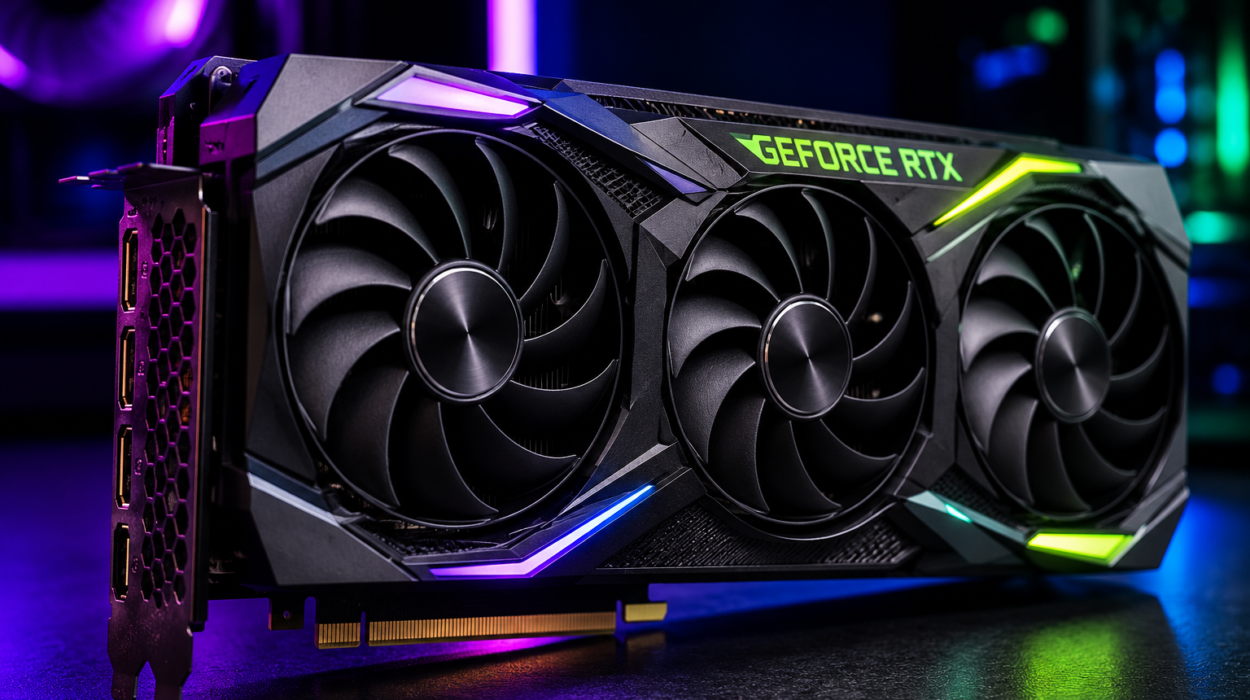
The Graphics Processing Unit (GPU) was originally designed to render computer graphics.
Displaying realistic video games, movies, and three-dimensional animations requires enormous numbers of mathematical calculations.
Instead of using only a handful of powerful cores like a CPU, a GPU contains hundreds or even thousands of smaller processing cores that perform many calculations simultaneously.
This architecture makes GPUs extremely effective at handling workloads where the same mathematical operation must be repeated across massive amounts of data.
Why GPUs Are So Fast
Imagine asking one person to paint ten thousand identical tiles.
It would take a very long time.
Now imagine asking ten thousand people to each paint one tile.
The job finishes dramatically faster.
This is essentially how a GPU works.
Rather than processing tasks one after another, it performs thousands of similar operations simultaneously.
Rendering graphics is naturally parallel.
Every pixel on a screen can often be calculated independently.
The same principle applies to many scientific simulations, engineering calculations, weather models, and artificial intelligence algorithms.
GPUs and Artificial Intelligence
Around the early 2010s, researchers discovered that GPUs were exceptionally well suited for training deep neural networks.
AI models require enormous amounts of matrix multiplication—a mathematical operation that GPUs perform extremely efficiently.
This realization transformed artificial intelligence.
Modern large language models, image generators, speech recognition systems, and recommendation algorithms all rely heavily on GPUs during training.
Without GPUs, today’s AI revolution would likely have progressed much more slowly.
What Is an NPU?
The Neural Processing Unit (NPU) is the newest member of the processor family.
Unlike CPUs and GPUs, NPUs are designed specifically for artificial intelligence.
They accelerate machine learning tasks while consuming far less power than traditional processors.
An NPU specializes in running neural networks efficiently.
Rather than trying to perform every possible computation, it focuses on the mathematical operations commonly used by AI models.
This specialization allows NPUs to deliver impressive AI performance without significantly reducing battery life.
Why NPUs Are Becoming Important
Artificial intelligence is moving from cloud servers onto personal devices.
Instead of sending every request to distant data centers, many AI tasks can now run directly on phones, tablets, and laptops.
Examples include real-time language translation, voice recognition, image enhancement, background removal during video calls, facial recognition, handwriting recognition, and AI-powered photo editing.
Running these features on a CPU or GPU alone would consume more energy.
An NPU performs the same tasks much more efficiently.
This is especially valuable for battery-powered devices.
How an NPU Works
Most AI models repeatedly perform operations involving matrices and vectors.
These calculations involve multiplying, adding, and transforming enormous collections of numbers.
NPUs include hardware specifically optimized for these mathematical operations.
Many NPUs also support lower numerical precision, such as 8-bit or 16-bit arithmetic, which is often sufficient for AI inference while reducing power consumption and increasing speed.
Because they are purpose-built, NPUs can process AI workloads much more efficiently than general-purpose processors.
AI Training Versus AI Inference
Understanding AI processors becomes easier when distinguishing between training and inference.
Training is the process of teaching an AI model.
It requires enormous computing power, massive datasets, and repeated adjustments to billions of model parameters.
This stage is usually performed using powerful GPUs or specialized AI accelerators in large data centers.
Inference happens after training.
It is the process of using an already-trained model to answer questions, recognize speech, classify images, or generate text.
NPUs excel at inference.
Many modern smartphones and laptops use NPUs to perform inference directly on the device, improving speed, reducing latency, and enhancing privacy because data often does not need to leave the device.
CPU vs GPU
The CPU is designed for versatility.
It handles many different types of work efficiently and quickly switches between tasks.
The GPU is designed for parallel processing.
Instead of excelling at one complicated calculation, it performs thousands of simpler calculations simultaneously.
If a task requires logical decisions, branching instructions, or coordinating software, the CPU usually performs better.
If the task involves rendering graphics, scientific simulations, or training AI models with massive matrix operations, the GPU is usually much faster.
GPU vs NPU
At first glance, GPUs and NPUs seem similar because both accelerate artificial intelligence.
However, their goals differ.
GPUs are flexible parallel processors.
They can perform graphics rendering, scientific computing, video processing, and AI workloads.
NPUs focus almost entirely on neural network computations.
Because of this specialization, NPUs generally achieve higher energy efficiency for AI inference.
For smartphones and laptops where battery life matters, NPUs often provide the best balance between performance and power consumption.
CPU vs NPU
The CPU remains essential because every application ultimately depends on it.
It launches programs, manages memory, schedules tasks, and communicates with hardware.
An NPU cannot replace these responsibilities.
Instead, when an AI workload appears, the CPU delegates it to the NPU.
After the AI computation finishes, control returns to the CPU.
Rather than competing, the two processors complement one another.
How They Work Together
Modern computing is increasingly collaborative.
Suppose you use an AI-powered photo editing application.
The CPU opens the software and manages user interaction.
The GPU renders the interface and accelerates visual effects.
The NPU recognizes faces, removes unwanted objects, enhances image quality, or generates AI-based edits.
Each processor performs the tasks for which it was specifically designed.
This teamwork delivers better performance than relying on a single processor.
Everyday Examples
When you unlock your smartphone using facial recognition, the CPU manages the operating system, while the NPU rapidly analyzes your face using an AI model.
When playing a modern video game, the CPU handles game logic, physics coordination, and input processing, while the GPU renders realistic graphics at high frame rates.
During an AI-powered video call, the CPU manages the application, the GPU may assist with video rendering, and the NPU can blur backgrounds, suppress noise, improve eye contact, or enhance image quality in real time.
When using an AI writing assistant, the CPU coordinates the application, while AI inference may run on an NPU if the model is small enough to execute locally. Larger models are often processed on remote servers equipped with powerful GPUs or specialized AI accelerators.
Why Battery Life Improves with NPUs
Energy efficiency has become one of the biggest challenges in computing.
Running AI continuously on a CPU would quickly drain batteries.
Using a GPU helps but still consumes considerable power.
NPUs solve this problem by executing AI operations using hardware specifically designed for neural networks.
Because unnecessary circuitry is eliminated, they perform the same AI tasks with much lower energy consumption.
This efficiency enables always-on AI features without dramatically reducing battery life.
The Rise of AI PCs
Many recent computers are marketed as AI PCs.
These systems include dedicated NPUs alongside CPUs and GPUs.
Microsoft, Intel, AMD, Qualcomm, Apple, and other technology companies are increasingly integrating NPUs into consumer devices.
The goal is to allow AI features to run directly on personal computers instead of relying entirely on cloud services.
Local AI processing can reduce latency, improve responsiveness, lower internet dependence, and help keep sensitive information on the device.
Do You Need an NPU?
For many everyday tasks such as browsing the web, writing documents, streaming videos, and sending emails, an NPU is not essential.
However, if you frequently use AI-powered applications, real-time language translation, intelligent photo editing, voice assistants, or on-device generative AI, an NPU can provide faster performance while consuming less power.
As software developers increasingly optimize applications for AI hardware, NPUs are likely to become as common as GPUs are today.
The Future of Computer Processors
The distinction between CPUs, GPUs, and NPUs will continue to evolve.
Future processors may integrate these capabilities even more tightly while maintaining specialized hardware for different workloads.
Artificial intelligence is expected to become a standard feature of operating systems, productivity software, creative applications, scientific research, healthcare, robotics, autonomous vehicles, and countless other fields.
Supporting these increasingly sophisticated AI systems will require cooperation among CPUs, GPUs, NPUs, and future generations of specialized processors.
Rather than one processor replacing another, modern computing is moving toward intelligent collaboration between specialized chips.
Which Processor Is Most Important?
It is tempting to ask which processor is the most powerful, but the better question is which processor is best for a particular task.
The CPU remains the indispensable general-purpose brain that manages the entire system.
The GPU provides extraordinary parallel computing power for graphics, simulations, and AI training.
The NPU delivers highly efficient artificial intelligence processing for modern on-device applications.
Each processor excels because it was designed with a different purpose in mind.
Together they form the foundation of today’s intelligent computers, smartphones, and future AI devices. As artificial intelligence becomes woven into everyday life, understanding the roles of CPUs, GPUs, and NPUs helps reveal how modern technology delivers experiences that once seemed impossible.