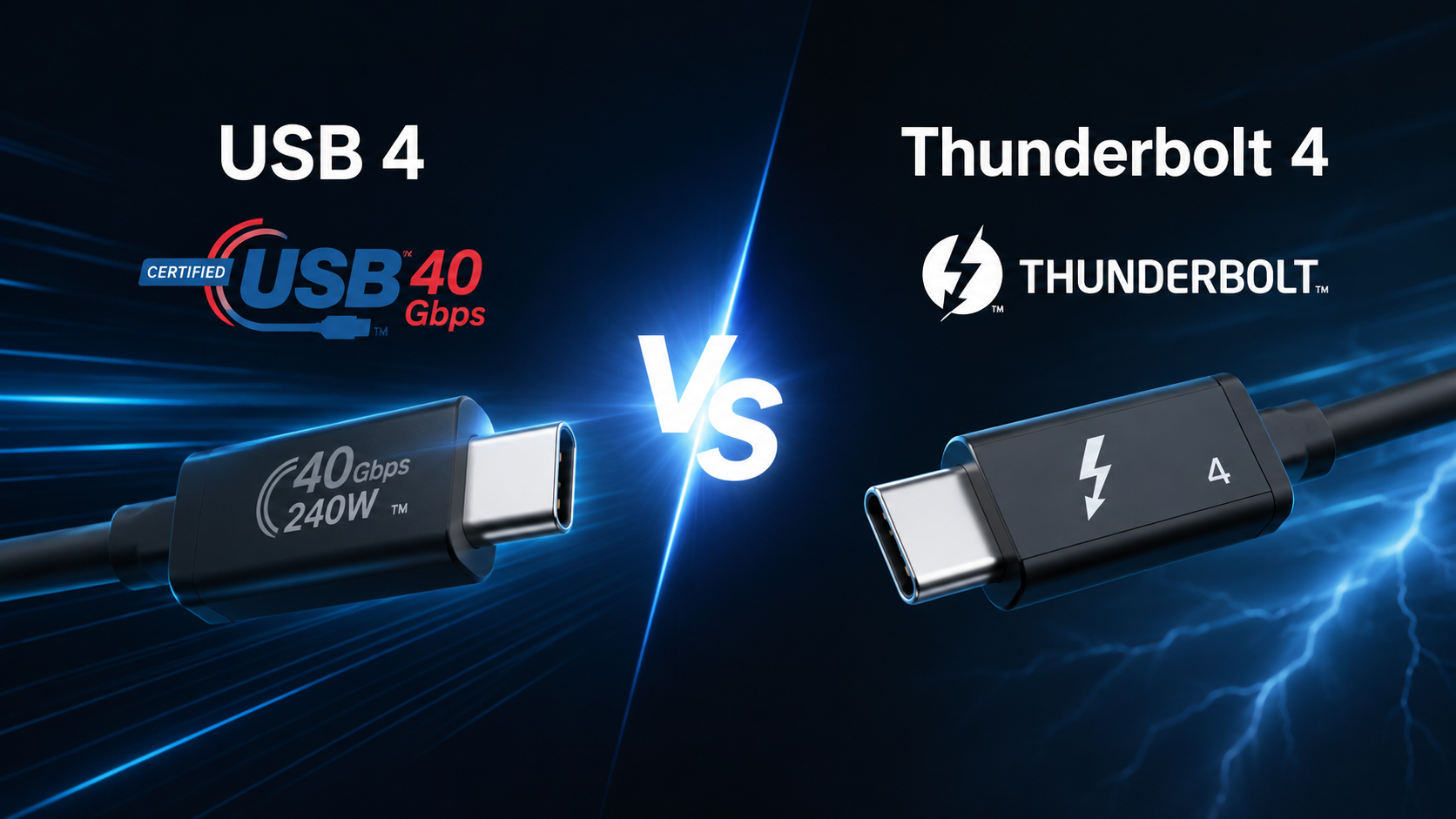
Modern laptops, desktops, monitors, docking stations, and external storage devices are becoming faster and more powerful than ever before. At the center of this evolution is a small, reversible connector that has transformed the way we connect our devices: USB-C. Yet behind the familiar USB-C port, different technologies can be hiding. Two of the most advanced are USB4 and Thunderbolt 4.
At first glance, they seem almost identical. Both often use the same USB-C connector. Both can transfer data at incredible speeds, connect multiple displays, charge laptops, and work with a wide range of accessories. Because of these similarities, many people assume they are exactly the same.
The reality is more interesting.
USB4 and Thunderbolt 4 are closely related, but they are not identical. One is a universal open standard designed for broad compatibility, while the other is a premium technology with stricter performance requirements and guaranteed capabilities. Understanding these differences can help you avoid buying the wrong cable, choosing an incompatible dock, or spending more money than necessary.
Whether you are a casual computer user, a student, a gamer, a creative professional, or someone shopping for a new laptop, knowing how USB4 and Thunderbolt 4 compare will make your next technology purchase much easier.
Understanding USB-C First
Before comparing USB4 and Thunderbolt 4, it is important to understand the difference between a connector and the technology that runs through it.
USB-C is simply the physical connector. It is the small, oval-shaped plug found on many modern devices.
However, a USB-C port can support different technologies and speeds. One USB-C port may only transfer files at USB 2.0 speeds, while another may support USB4 or Thunderbolt 4. Looking at the connector alone does not tell you what the port can actually do.
This is one of the biggest sources of confusion for consumers.
What Is USB4?
USB4 is the fourth major generation of the Universal Serial Bus standard developed by the USB Implementers Forum (USB-IF). It was introduced in 2019 and represents a major leap forward in speed, efficiency, and versatility.
Unlike earlier USB standards, USB4 was heavily influenced by Intel’s Thunderbolt technology. In fact, Intel contributed the Thunderbolt 3 protocol to the USB Promoter Group royalty-free, allowing many of its advanced features to become part of USB4.
USB4 was designed to simplify connectivity by allowing a single cable to carry data, video signals, and electrical power simultaneously.
Instead of treating these functions separately, USB4 intelligently shares available bandwidth depending on what your devices need at any given moment.
This dynamic bandwidth allocation makes USB4 much more efficient than previous USB generations.
What Is Thunderbolt 4?
Thunderbolt 4 is Intel’s premium connectivity standard introduced in 2020.
Although it shares much of its underlying technology with USB4, Thunderbolt 4 is not simply a faster version of USB4.
Instead, Thunderbolt 4 establishes a higher minimum performance standard. Every certified Thunderbolt 4 device must meet strict requirements established by Intel.
This means consumers know exactly what features they are getting.
Rather than offering optional capabilities, Thunderbolt 4 requires manufacturers to support them.
That consistency is one of Thunderbolt 4’s biggest strengths.
A Shared Foundation
USB4 and Thunderbolt 4 have more in common than many people realize.
Both typically use USB-C connectors.
Both can transfer data at up to 40 gigabits per second.
Both support video output.
Both can deliver power to compatible devices through USB Power Delivery.
Both allow multiple devices to share a single connection.
Both support external storage, displays, docks, and numerous accessories.
Because of this shared foundation, many USB4 and Thunderbolt 4 devices work together remarkably well.
Data Transfer Speed
One of the first specifications people look at is transfer speed.
Thunderbolt 4 supports a maximum data transfer rate of 40 gigabits per second.
USB4 also supports speeds up to 40 gigabits per second.
However, there is an important detail.
The USB4 specification allows manufacturers to offer lower-speed implementations. Some USB4 devices support only 20 gigabits per second, while others support the full 40 gigabits per second. Newer versions of the USB4 specification also allow implementations up to 80 gigabits per second, and under certain configurations even higher asymmetric bandwidth, but support depends on the hardware and is not universal.
Thunderbolt 4 certification, on the other hand, requires support for 40 gigabits per second.
As a result, every Thunderbolt 4 device guarantees the highest standard defined for that generation.
Display Support
Modern users increasingly connect external monitors for work, gaming, video editing, and entertainment.
Both USB4 and Thunderbolt 4 support DisplayPort video transmission through USB-C.
The difference lies in the guaranteed capabilities.
Thunderbolt 4 certification requires support for either two 4K displays at 60 Hz or one 8K display, provided the computer’s graphics hardware also supports those resolutions.
USB4 can support similar display configurations, but the exact capabilities depend on the manufacturer and the specific hardware implementation.
One USB4 laptop may drive two external displays, while another may support only one.
This is why checking specifications remains important.
External Storage Performance
Fast external solid-state drives have become essential for photographers, filmmakers, engineers, and gamers.
Thunderbolt 4 provides consistently high performance for external NVMe SSDs.
Large video projects, high-resolution photographs, and massive game libraries can be transferred within seconds rather than minutes.
USB4 also delivers excellent storage performance.
When operating at 40 gigabits per second, many USB4 SSDs perform similarly to Thunderbolt 4 devices.
For everyday users, the difference is often negligible.
Professional workflows involving continuous heavy data transfers may benefit from Thunderbolt’s guaranteed performance.
Docking Stations
A single cable that instantly connects your laptop to monitors, storage devices, keyboards, Ethernet, speakers, and charging is one of modern computing’s greatest conveniences.
Thunderbolt 4 excels in this area.
Thunderbolt docks typically support numerous high-speed devices simultaneously while maintaining excellent stability and predictable performance.
USB4 docking stations can offer similar functionality, but capabilities vary between manufacturers.
Some support multiple monitors and many peripherals.
Others may provide fewer display outputs or reduced bandwidth under heavy workloads.
Again, the key difference is consistency.
Power Delivery
Charging is another area where USB4 and Thunderbolt 4 overlap.
Neither technology defines charging power by itself.
Instead, both rely on USB Power Delivery (USB PD).
USB Power Delivery allows compatible devices to negotiate how much power they need.
Modern implementations can provide enough power to charge smartphones, tablets, laptops, gaming handhelds, and many other devices.
The actual charging speed depends on the charger, cable, and device—not simply whether the connection uses USB4 or Thunderbolt 4.
Cable Differences
Not all USB-C cables are created equal.
Some cables only support charging.
Others support data transfer but at lower speeds.
Some support video but not full bandwidth.
Certified Thunderbolt 4 cables guarantee full 40 Gbps performance, video support, and USB Power Delivery compatibility within their certified specifications. They are also backward compatible with earlier Thunderbolt and USB technologies.
USB4 cables may support different maximum speeds depending on their certification.
Reading cable labels carefully is essential.
Using a low-quality cable can significantly reduce performance.
Compatibility
Compatibility is one of USB4’s greatest strengths.
USB4 maintains compatibility with many previous USB generations.
Many USB4 systems can also work with Thunderbolt 3 devices because Thunderbolt 3 compatibility became part of the USB4 ecosystem for many implementations, although it is not mandatory for every USB4 product.
Thunderbolt 4 offers even broader compatibility.
It works with USB devices, USB4 devices, Thunderbolt 3 devices, and Thunderbolt 4 devices.
This flexibility makes Thunderbolt 4 particularly attractive for users with mixed collections of accessories.
Security Improvements
Thunderbolt technology has evolved over time to address security concerns associated with direct memory access (DMA), which allows connected devices to communicate with system memory.
Thunderbolt 4 requires support for Intel VT-d–based DMA protection on compatible systems. This hardware-assisted security feature helps reduce certain attack risks when connecting external devices.
USB4 devices may also include similar protections depending on the platform and operating system, but Thunderbolt 4 certification makes these safeguards a required part of the standard.
Reliability and Certification
Perhaps the biggest distinction between USB4 and Thunderbolt 4 lies in certification.
USB4 provides manufacturers with considerable flexibility.
Companies can implement different combinations of supported features.
As a result, two USB4 laptops may offer different capabilities even though both carry the same USB4 label.
Thunderbolt 4 certification is much stricter.
Every certified device must meet Intel’s required standards for bandwidth, display support, charging compatibility, docking capabilities, cable quality, and security features.
This makes Thunderbolt 4 more predictable for consumers.
Performance in Everyday Use
For typical users, both technologies feel remarkably fast.
Opening files from external SSDs happens almost instantly.
High-resolution monitors display crisp images.
Video calls remain smooth.
Large software applications launch quickly.
Backing up thousands of photos takes far less time than older USB connections.
Unless users regularly push their systems to the limit, many will notice little difference between a high-quality USB4 implementation and Thunderbolt 4.
For Creative Professionals
Video editors often work with massive 4K, 6K, or even 8K footage.
Photographers manage enormous RAW image libraries.
Music producers use multiple external drives and audio interfaces.
Engineers process large design files.
For these demanding workflows, Thunderbolt 4’s guaranteed capabilities provide confidence that every certified device will perform consistently.
Professional users often value reliability just as much as raw speed.
For Gamers
Gamers primarily benefit from faster external storage, reduced loading times, and improved docking options.
External SSDs connected through USB4 or Thunderbolt 4 load games much faster than traditional hard drives.
Gaming laptops also benefit from simplified docking setups that connect monitors, keyboards, Ethernet, and accessories through a single cable.
Some advanced users even connect external GPUs to systems that support compatible Thunderbolt technologies. However, support for external graphics enclosures depends on both the computer and the operating system, and Thunderbolt 4 itself does not require eGPU compatibility.
Laptop Manufacturers
Many premium Windows laptops include Thunderbolt 4 ports, especially those based on Intel platforms.
Other laptops may offer USB4 instead.
Apple’s recent Macs support Thunderbolt 4 or Thunderbolt 5 on many models while remaining compatible with USB4 devices.
AMD-based systems increasingly support USB4, and some also include Thunderbolt compatibility depending on the hardware design and manufacturer certification.
Because implementations vary, checking the technical specifications of a specific computer is always the safest approach.
Cost Considerations
Thunderbolt 4 accessories generally cost more than comparable USB4 products.
This reflects Intel’s certification process and the guaranteed performance requirements.
USB4 accessories often provide better value for users who do not require every premium feature.
For everyday productivity, web browsing, office work, streaming, and general file transfers, USB4 is usually more than sufficient.
The Future of High-Speed Connectivity
Connectivity standards continue to evolve rapidly.
The USB ecosystem now includes updated USB4 specifications with support for significantly higher bandwidth on compatible hardware.
Intel has also introduced Thunderbolt 5, which substantially increases available bandwidth and expands support for demanding applications such as ultra-high-resolution displays, advanced storage arrays, and AI workstations.
Despite these advances, USB4 and Thunderbolt 4 remain among the most capable and widely supported connection standards available today.
They provide enough performance for the overwhelming majority of current computing tasks.
Which One Is Right for You?
The answer depends on how you use your computer.
If you mainly browse the web, work with documents, stream videos, transfer photos, connect external drives, or use a single monitor, USB4 offers outstanding performance. A full-featured USB4 implementation can deliver excellent speed, modern features, and broad compatibility at a lower cost.
If you frequently edit high-resolution video, work with multiple displays, rely on professional docking stations, or simply want the assurance that every certified device meets the same high standard, Thunderbolt 4 is the stronger choice. Its value lies not only in speed but also in guaranteed capabilities, reliability, and a consistent user experience.
Final Thoughts
USB4 and Thunderbolt 4 are more alike than different. Both represent a major step forward in high-speed connectivity, combining data transfer, video output, and power delivery through the versatile USB-C connector. In many real-world situations, their performance is nearly indistinguishable.
The key distinction is consistency. USB4 is a flexible, open standard that can be implemented in different ways, giving manufacturers room to tailor features to different products. Thunderbolt 4 builds on a similar technological foundation but adds strict certification requirements that ensure every certified device delivers a known level of performance and functionality.
As laptops, monitors, storage devices, and accessories continue to evolve, both standards provide a powerful foundation for faster, simpler, and more capable computing. Understanding what each one offers allows you to choose the connection that best matches your needs—whether you value affordability and flexibility or guaranteed premium performance.