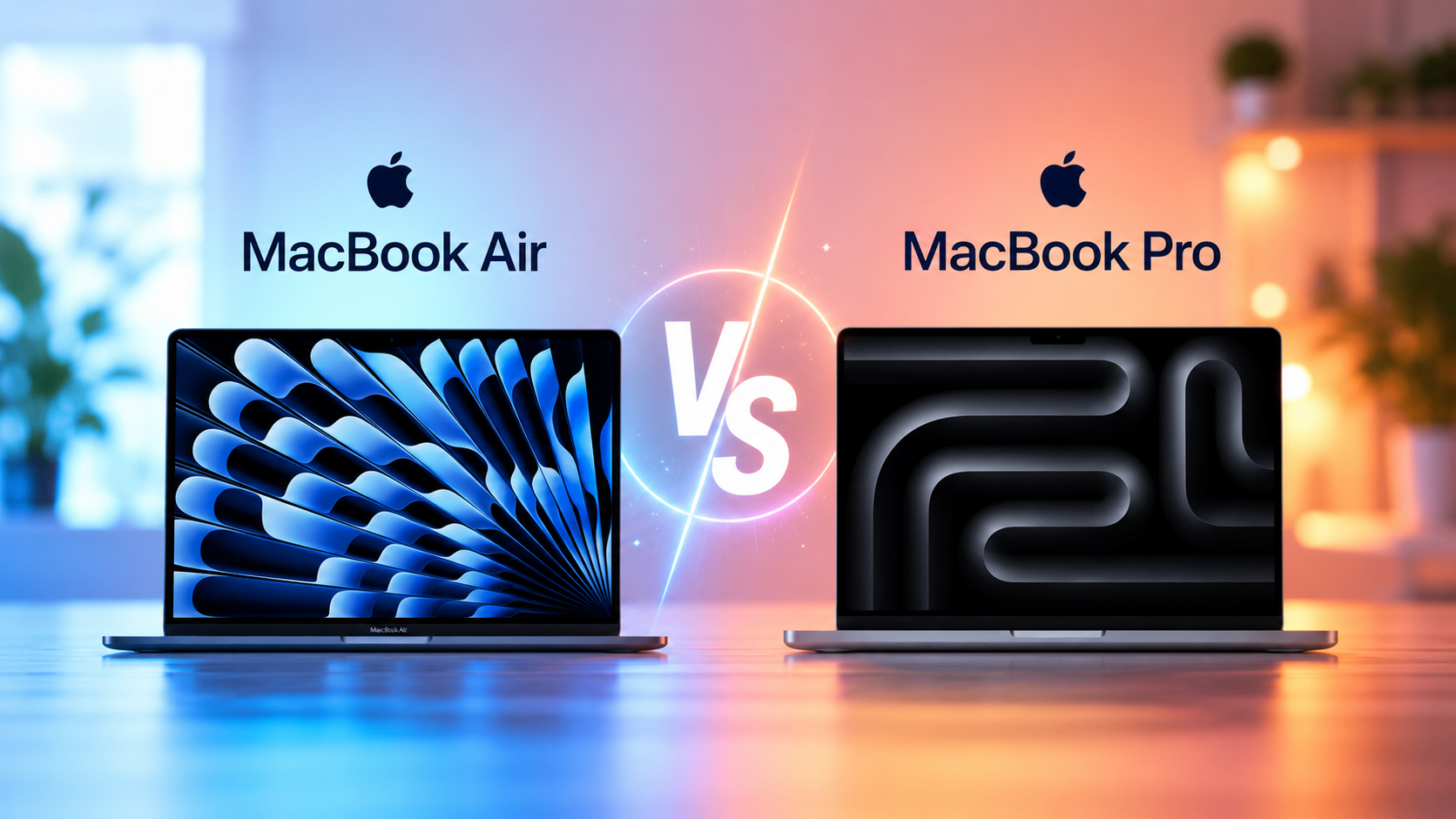
Buying a new laptop is exciting, but choosing between the MacBook Air and the MacBook Pro can quickly become confusing. At first glance, they look remarkably similar. Both feature Apple’s elegant aluminum design, vibrant displays, excellent keyboards, long battery life, and the powerful Apple silicon chips that have transformed laptop performance. Yet beneath the surface, these two MacBook families are designed for very different users.
The MacBook Air is built around simplicity, portability, and everyday productivity. It is incredibly thin, lightweight, and quiet, making it a favorite among students, travelers, office workers, and anyone who values mobility. The MacBook Pro, on the other hand, is designed for professionals who demand sustained performance for intensive workloads such as video editing, software development, music production, engineering, scientific computing, and 3D graphics.
Understanding the differences between these laptops goes far beyond comparing specifications. The best MacBook is not necessarily the most expensive one—it is the one that matches how you work, create, and spend your time. This guide explores every important difference between the MacBook Air and the MacBook Pro, helping you make an informed decision based on your needs rather than marketing.
Understanding Apple’s MacBook Lineup
Apple currently offers two primary laptop families.
The MacBook Air represents the company’s ultra-portable notebook. It focuses on balancing performance, battery life, portability, and affordability. Since Apple introduced its custom Apple silicon processors, the MacBook Air has become significantly faster while maintaining its signature fanless design.
The MacBook Pro represents Apple’s high-performance notebook family. Depending on the model, it includes more powerful processors, advanced cooling systems, brighter displays, larger batteries, additional ports, and support for demanding professional applications.
Although both laptops run macOS and share many features, they target different kinds of users.
Design Philosophy
One of the first things people notice is how similar the MacBook Air and MacBook Pro appear. Both are crafted from recycled aluminum, giving them a premium feel while remaining durable and environmentally responsible.
The MacBook Air emphasizes portability above everything else. It is exceptionally thin and lightweight, making it comfortable to carry throughout the day. Whether you are moving between classrooms, coffee shops, airports, or meetings, its compact design feels effortless.
The MacBook Pro is slightly thicker and heavier because it contains a larger cooling system, bigger battery, and more powerful internal components. While still highly portable compared to many professional laptops, it clearly prioritizes performance over extreme thinness.
Weight and Portability
If portability is your highest priority, the MacBook Air has a clear advantage.
Its lightweight construction makes it ideal for people who frequently carry their laptop in a backpack or shoulder bag. Even after several hours of travel, the difference in weight becomes noticeable.
The MacBook Pro remains portable, but professionals often accept the extra weight because it enables higher sustained performance and additional features.
For travelers and students, every gram matters. For creative professionals, that small increase in weight often becomes insignificant compared to the performance benefits.
Display Quality
Apple is known for producing some of the best laptop displays in the industry, and both MacBook families offer excellent visual experiences.
Both laptops feature high-resolution Retina displays that produce sharp text, vibrant colors, and excellent viewing angles. Reading documents, browsing websites, editing photos, and watching movies all feel crisp and enjoyable.
However, the MacBook Pro typically includes a more advanced display.
Its screen generally reaches higher brightness levels, making it easier to use in bright environments. Many MacBook Pro models also support ProMotion technology, which dynamically adjusts the refresh rate up to 120 Hz. This creates smoother scrolling, more responsive animations, and a noticeably more fluid experience.
Professional models also deliver superior contrast and HDR performance, making them especially attractive for photographers, filmmakers, and content creators who require accurate color reproduction.
For everyday users, the MacBook Air display is already excellent. For professionals working with visual media, the MacBook Pro offers meaningful advantages.
Apple Silicon Performance
The biggest transformation in modern MacBooks came with Apple’s transition from Intel processors to Apple silicon.
Apple designs its own processors, integrating the CPU, GPU, memory controller, neural engine, media engines, and numerous specialized components into a highly efficient system-on-a-chip architecture.
This approach dramatically improves performance while reducing power consumption.
The MacBook Air typically includes Apple’s mainstream chips, such as the M-series processors designed for balanced performance and efficiency.
The MacBook Pro is available with more powerful variants that include additional CPU cores, GPU cores, memory bandwidth, and specialized processing capabilities.
For everyday computing, even the MacBook Air delivers impressive speed. Opening applications, multitasking, web browsing, video streaming, office work, coding, and light creative tasks all feel exceptionally responsive.
The MacBook Pro extends this capability much further, especially when workloads become demanding.
Fanless vs Active Cooling
One of the most important engineering differences lies inside the laptops.
The MacBook Air operates without a cooling fan.
Instead, it relies entirely on passive cooling through its aluminum body. This design offers several benefits.
The laptop operates in complete silence because there are no moving cooling components.
There are fewer mechanical parts that could potentially fail.
The design remains thinner and lighter.
However, passive cooling has limitations.
When performing intensive tasks for extended periods, the processor naturally becomes warmer. To prevent overheating, the system may reduce processing speed slightly. This process is known as thermal throttling.
The MacBook Pro includes active cooling with internal fans.
These fans allow the processor to maintain higher performance for much longer periods under heavy workloads.
If your work involves rendering long videos, compiling large software projects, training machine learning models, or processing massive datasets, active cooling becomes a significant advantage.
Everyday Performance
For most people, the MacBook Air is already incredibly powerful.
Browsing dozens of websites, participating in video meetings, editing documents, creating presentations, managing email, streaming movies, and performing routine office work barely challenge modern Apple silicon.
Students can easily write assignments, conduct research, attend online classes, and complete programming exercises without experiencing slowdowns.
Teachers, writers, journalists, accountants, consultants, and business professionals often discover that the MacBook Air exceeds their daily needs.
The MacBook Pro shines when workloads become consistently demanding rather than occasionally intensive.
Professional Workloads
Creative professionals often push computers to their limits.
Editing multiple streams of high-resolution video requires enormous processing power.
Rendering complex 3D animations can fully utilize both the CPU and GPU for hours.
Music producers working with hundreds of audio tracks require sustained performance.
Photographers editing thousands of RAW images benefit from additional graphics capability.
Software developers compiling large applications save valuable time with faster processors.
Scientists analyzing complex simulations or researchers processing large datasets also appreciate the additional computational resources.
These are situations where the MacBook Pro truly distinguishes itself.
Graphics Performance
Modern Apple silicon integrates highly capable graphics processors directly into the chip.
The MacBook Air delivers excellent graphics performance for everyday tasks, photo editing, casual gaming, and light video production.
The MacBook Pro expands this capability significantly.
Higher-end chips include substantially more GPU cores, enabling faster rendering, smoother animation, improved visual effects, and accelerated creative workflows.
Professionals working with applications such as Final Cut Pro, Adobe Premiere Pro, Blender, Cinema 4D, Autodesk Maya, or advanced scientific visualization software often experience noticeable performance improvements.
Battery Life
Apple laptops are famous for exceptional battery life.
Both the MacBook Air and MacBook Pro can often last an entire workday under typical usage.
Thanks to Apple silicon’s remarkable energy efficiency, users can browse the web, edit documents, attend online meetings, and watch videos for many hours without searching for a charger.
The MacBook Pro generally contains a larger battery and may achieve longer runtime during lighter workloads despite its higher performance capabilities.
Under intensive professional workloads, battery life naturally decreases because the processor performs more work.
For most everyday users, both laptops offer outstanding endurance.
Keyboard and Trackpad
Apple has refined its laptop keyboards considerably.
Both MacBook families feature comfortable keyboards with responsive keys that make extended typing enjoyable.
Whether writing reports, coding software, or composing emails, typing feels consistent and precise.
The Force Touch trackpad remains one of the industry’s best.
Its large surface, precise cursor control, gesture support, and haptic feedback make navigation smooth and intuitive.
In daily use, there is little difference between the two laptop families in this area.
Speakers and Audio Quality
The MacBook Air already delivers surprisingly rich sound considering its thin design.
Dialogue sounds clear, music has impressive balance, and video calls remain easy to hear.
The MacBook Pro raises audio performance even further.
Its larger speaker system produces deeper bass, greater volume, and a wider soundstage.
For movie enthusiasts, musicians, audio editors, and anyone who frequently consumes multimedia content, the difference becomes noticeable.
Webcam and Video Calls
Remote work, online education, and virtual meetings have made webcams more important than ever.
Modern MacBooks include high-quality cameras enhanced by Apple’s image processing technology.
Machine learning algorithms improve exposure, color balance, noise reduction, and facial detail during video calls.
Whether using FaceTime, Zoom, Microsoft Teams, or Google Meet, both laptops provide a professional appearance.
Ports and Connectivity
The MacBook Air focuses on simplicity.
Most models include a limited number of Thunderbolt and USB-C ports, along with MagSafe charging on newer versions.
This design keeps the laptop compact but may require adapters for some accessories.
The MacBook Pro usually provides more connectivity options.
Additional Thunderbolt ports, HDMI output, and an SD card slot on many professional models reduce the need for external adapters.
Photographers, videographers, and professionals working with multiple external displays often appreciate this flexibility.
Memory and Storage
Both MacBook families use unified memory, an architecture in which the CPU, GPU, and other processors share a common memory pool.
This design reduces data transfer delays and improves efficiency compared with traditional architectures that separate system memory from graphics memory.
The MacBook Pro generally supports larger memory and storage configurations, making it better suited for demanding professional applications.
For most students and office users, moderate memory and storage capacities are sufficient.
Professionals managing massive media libraries or complex software projects often benefit from higher configurations.
Software Experience
Both laptops run the same version of macOS.
Users receive the same interface, security updates, built-in applications, and ecosystem integration.
Features such as AirDrop, Handoff, Universal Clipboard, Continuity Camera, iCloud synchronization, and integration with iPhone and iPad work equally well on both machines.
The choice between Air and Pro therefore depends more on hardware requirements than software differences.
Gaming Performance
MacBooks have traditionally not been marketed primarily as gaming laptops.
However, Apple silicon has significantly improved gaming performance.
The MacBook Air handles many modern games well, particularly titles optimized for Apple silicon.
The MacBook Pro performs better during longer gaming sessions because its active cooling system allows sustained graphics performance.
Still, game availability on macOS remains more limited than on Windows.
Users primarily interested in gaming may find dedicated gaming laptops more suitable.
Artificial Intelligence and Machine Learning
Modern Apple processors include a Neural Engine designed specifically for machine learning tasks.
This specialized hardware accelerates speech recognition, image processing, language understanding, photo enhancement, and numerous AI-powered features.
Both the MacBook Air and MacBook Pro benefit from these capabilities.
Higher-end Pro models can handle larger and more computationally demanding AI workloads due to their more powerful CPUs, GPUs, and increased memory options.
As artificial intelligence becomes increasingly integrated into everyday software, these specialized processors continue growing in importance.
Durability and Build Quality
Apple laptops are recognized for their excellent construction quality.
The aluminum enclosure resists flexing and provides a solid, premium feel.
Precision manufacturing contributes to long-term reliability when the device is properly maintained.
Like all electronics, longevity depends on usage patterns, battery care, environmental conditions, and regular software updates.
Many MacBooks remain fully functional for years, making them attractive long-term investments.
Price Considerations
The MacBook Air generally serves as Apple’s most affordable laptop.
It offers an exceptional balance of performance, portability, and battery life for its price.
The MacBook Pro commands a higher price because it includes faster processors, improved displays, additional ports, larger batteries, active cooling, and higher performance ceilings.
The key question is whether your daily work actually requires those additional capabilities.
Buying more power than you will ever use may not provide meaningful value.
Conversely, professionals who constantly push their computers to the limit often recover the higher cost through increased productivity and reduced waiting time.
Who Should Choose the MacBook Air?
The MacBook Air is an outstanding choice for users whose work centers on everyday productivity.
Students, teachers, writers, business professionals, remote workers, researchers, travelers, and casual creators will find it remarkably capable. Its combination of silent operation, lightweight design, long battery life, and fast performance makes it one of the best all-around laptops available.
It is especially appealing for people who spend much of their day browsing the web, writing, attending virtual meetings, streaming content, managing documents, programming, or editing photos occasionally.
Who Should Choose the MacBook Pro?
The MacBook Pro is designed for users whose computers are central to demanding professional work.
Video editors, filmmakers, software developers, engineers, architects, musicians, photographers, data scientists, AI researchers, and 3D artists often benefit from its sustained processing power, advanced graphics performance, expanded memory options, superior display, and enhanced connectivity.
For these users, the additional performance is not simply about speed—it enables workflows that would otherwise take significantly longer.
Final Thoughts
The choice between the MacBook Air and the MacBook Pro ultimately comes down to how you use your laptop. Both are exceptionally well-engineered machines that share Apple’s premium design, excellent battery life, high-quality displays, and the impressive efficiency of Apple silicon. For everyday tasks, the MacBook Air offers more than enough power while remaining incredibly light, quiet, and portable. It delivers an outstanding balance of performance and value that suits the needs of most users.
The MacBook Pro, however, is built for those whose work demands sustained performance over long periods. Its active cooling system, more powerful processor options, advanced display technologies, expanded connectivity, and greater memory configurations make it the better choice for professional creative work, software development, scientific computing, and other resource-intensive tasks.
Neither laptop is universally better than the other. Instead, each excels in the role it was designed to fill. If portability, affordability, and everyday productivity matter most, the MacBook Air is an exceptional companion. If your livelihood depends on handling complex, demanding workloads with maximum efficiency, the MacBook Pro is an investment that can pay dividends in performance and productivity for years to come.