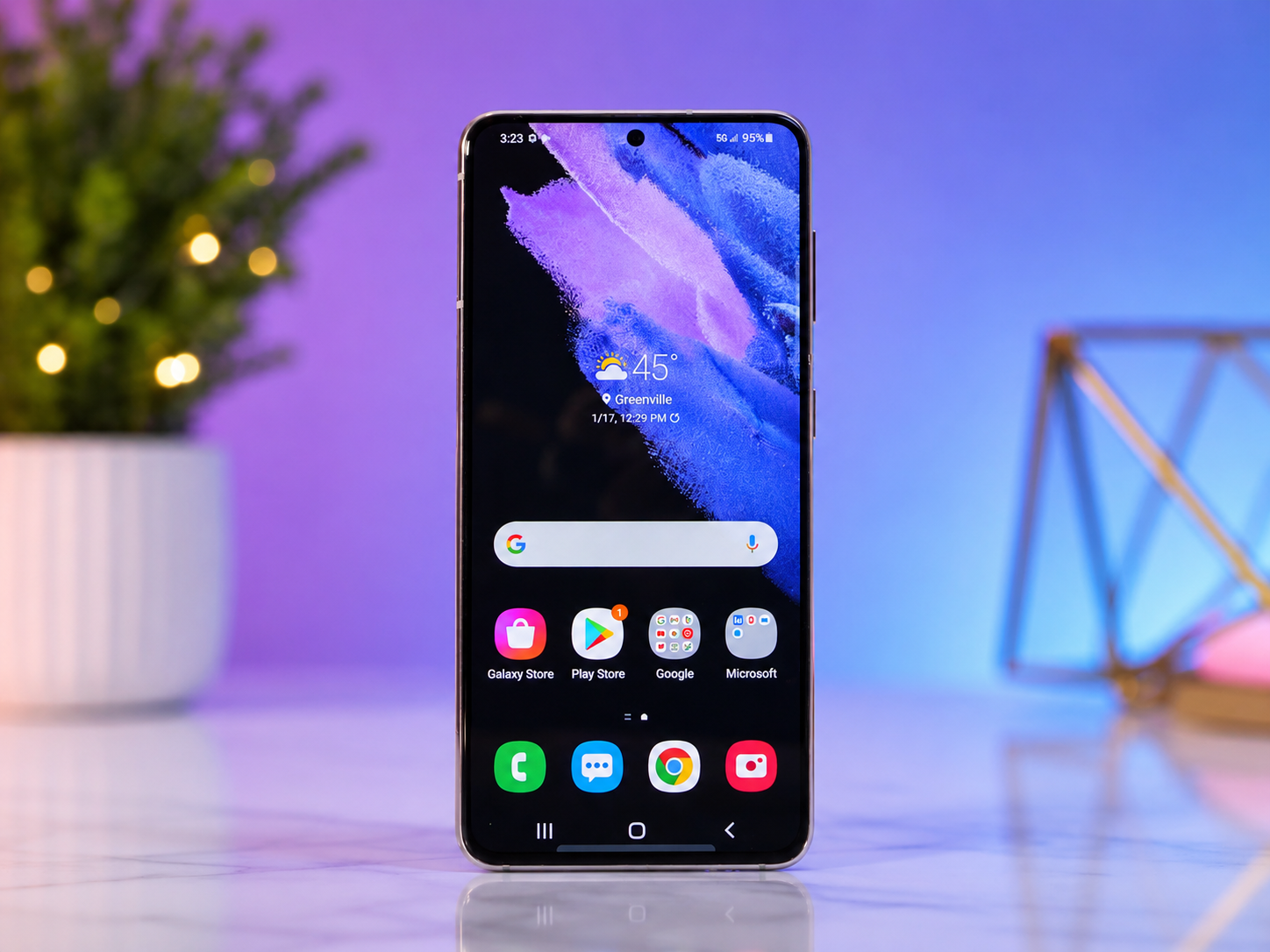
Your Android phone is much more than a device for making calls or sending messages. It stores your photos, personal conversations, financial information, passwords, work documents, and memories that cannot be replaced. In many ways, it has become the digital center of your life.
Unfortunately, cybercriminals know this too. Every day, they create new types of malware designed to steal personal information, spy on users, display unwanted advertisements, lock devices for ransom, or even take control of smartphones without their owners realizing it.
The good news is that Android itself includes many powerful security features, and most malware infections can be prevented by following safe habits. You do not need to be a cybersecurity expert to protect your phone. A little awareness and a few simple precautions can dramatically reduce your risk.
This guide explains how Android malware works, how it spreads, and the most effective ways to keep your Android device secure.
What Is Android Malware?
Malware is short for “malicious software.” It refers to any software intentionally created to damage devices, steal information, monitor user activity, or perform unauthorized actions.
Unlike legitimate apps that provide useful features, malware secretly works against the interests of the user. Some malicious apps steal passwords, while others display endless advertisements, mine cryptocurrency using your phone’s processor, record your screen, access your camera, or send expensive text messages without your permission.
Modern Android malware has become increasingly sophisticated. Some malicious apps can hide their icons after installation, making them difficult to find. Others pretend to be popular games, utility apps, or productivity tools to trick users into installing them.
Why Android Is Often Targeted
Android is the world’s most widely used mobile operating system, powering billions of smartphones and tablets. Its popularity naturally attracts cybercriminals because attacking Android allows them to reach a very large number of potential victims.
Android also allows users to install apps from sources outside the official app store. While this flexibility benefits developers and advanced users, it also creates opportunities for attackers to distribute malicious applications through unofficial websites or fake app stores.
However, it is important to understand that Android itself is not inherently insecure. Google continuously improves Android’s security through operating system updates, built-in malware detection, app sandboxing, encrypted storage, and other advanced protections.
Most successful malware infections occur because users are tricked into installing dangerous apps or granting unnecessary permissions.
How Android Malware Spreads
Malware can reach Android devices in several different ways.
One of the most common methods involves fake applications. Cybercriminals create apps that imitate popular games, photo editors, VPN services, messaging apps, or utilities. Once installed, these apps request excessive permissions and secretly perform malicious activities.
Phishing messages are another common attack method. Users receive text messages, emails, or social media messages containing fake links that encourage them to download harmful apps or enter sensitive information.
Some malware spreads through unofficial app stores where security screening is limited or nonexistent.
Occasionally, attackers exploit software vulnerabilities in outdated versions of Android or vulnerable applications.
Understanding these methods helps users recognize potential threats before they become serious problems.
Download Apps Only from Trusted Sources
The safest place to download Android apps is the Google Play Store.
Although no app marketplace can guarantee perfect security, Google Play uses automated scanning systems and human reviewers to detect malicious applications before they reach users. Google Play Protect also continues scanning installed apps for suspicious behavior after installation.
Installing apps from unknown websites significantly increases the risk of malware because those apps often bypass Google’s security checks.
If an unfamiliar website encourages you to download an APK file, especially by claiming that it offers a premium app for free, it should immediately raise suspicion.
Whenever possible, install apps only from trusted developers using official app stores.
Understand the Risks of APK Files
Android allows users to install applications using APK files downloaded from the internet. This process is known as sideloading.
While sideloading has legitimate uses, such as installing beta software or apps unavailable in certain regions, it also introduces significant security risks.
An APK file may appear identical to a legitimate application while containing hidden malware.
Before installing any APK, carefully verify its source. Official developer websites are generally safer than unknown download portals.
If you do not have a clear reason to sideload apps, keeping this feature disabled provides an additional layer of protection.
Keep Android Updated
Software updates are among the most important security defenses available.
Every month, security researchers discover new vulnerabilities that attackers might exploit. Google and device manufacturers regularly release security patches to close these weaknesses.
Ignoring updates leaves devices exposed to known security flaws that cybercriminals may already understand.
Installing updates promptly ensures that your phone benefits from the latest protections against newly discovered threats.
Operating system updates also improve privacy, strengthen encryption, and enhance malware detection capabilities.
Update Your Apps Regularly
Malware does not only target Android itself. Individual applications can also contain vulnerabilities.
App developers frequently release updates to fix security bugs, improve stability, and address newly discovered weaknesses.
An outdated application may become an easy target even if Android itself is fully updated.
Enabling automatic app updates through the Google Play Store helps ensure that installed software remains protected with the latest security improvements.
Pay Attention to App Permissions
Every Android app requests certain permissions to perform specific functions.
A navigation app reasonably needs access to your location.
A camera app requires permission to use the camera.
A messaging app needs access to contacts if it offers contact synchronization.
Problems arise when apps request permissions unrelated to their purpose.
For example, a simple flashlight app should not require access to your microphone, contacts, text messages, or call history.
Before granting permissions, consider whether they make sense for the app’s intended function.
Modern versions of Android allow users to approve permissions only while an app is actively being used, reducing unnecessary access to personal information.
Use Google Play Protect
Google Play Protect is a built-in Android security system designed to detect malicious applications.
It continuously scans installed apps for suspicious behavior and checks newly downloaded apps before installation.
If Play Protect detects potentially harmful software, it warns users and may recommend removing the app.
Keeping Play Protect enabled provides an additional layer of automated protection against many common malware threats.
Although it cannot detect every possible attack, it significantly improves overall device security.
Avoid Clicking Suspicious Links
Many malware infections begin with a simple click.
Cybercriminals often send messages claiming that you have won a prize, received an important package, or must urgently verify your account.
These messages frequently contain links leading to fake websites or malicious downloads.
Before clicking any unfamiliar link, pause and consider whether the message makes sense.
Unexpected urgency, poor grammar, strange website addresses, and requests for personal information are common warning signs of phishing attacks.
If you receive a suspicious message from a company, visit the company’s official website directly instead of using the provided link.
Be Careful with Public Wi-Fi
Public Wi-Fi networks in airports, hotels, restaurants, and shopping centers offer convenience but can also introduce security risks.
Although using public Wi-Fi alone does not install malware, attackers may create fake Wi-Fi networks that imitate legitimate ones.
Unsuspecting users connect to these networks and unknowingly expose their internet traffic.
Whenever possible, verify the correct network name with staff before connecting.
Avoid performing sensitive activities such as online banking or entering passwords while connected to unfamiliar public networks unless additional security measures, such as encrypted connections, are in place.
Lock Your Phone Securely
Physical security remains an important part of cybersecurity.
A strong screen lock helps prevent unauthorized access if your phone is lost or stolen.
Modern Android devices support PINs, passwords, fingerprint recognition, and facial recognition.
Using a secure lock screen protects not only your personal files but also stored passwords, banking apps, authentication codes, and private communications.
A strong passcode is generally more secure than simple patterns that may be easier for others to observe.
Turn On Find My Device
Losing a phone can be stressful, but Android provides tools that help users locate, secure, or erase lost devices.
Find My Device allows users to view a lost phone’s approximate location, make it ring, lock it remotely, or erase its contents if recovery appears unlikely.
Activating this feature before it is needed provides peace of mind and helps protect sensitive information from unauthorized access.
Back Up Important Data
No security system can guarantee complete protection.
Hardware failures, theft, accidental damage, or sophisticated cyberattacks can still result in data loss.
Regular backups ensure that valuable photos, contacts, documents, and messages remain recoverable even if something happens to the device.
Cloud backup services and encrypted local backups both provide effective ways to protect important information.
A backup cannot prevent malware, but it can significantly reduce the consequences of a successful attack.
Watch for Warning Signs of Malware
Malware often causes noticeable changes in device behavior.
A phone that suddenly becomes much slower than usual, overheats without heavy use, drains its battery unusually quickly, or displays frequent unwanted advertisements may deserve closer attention.
Unexpected app installations, unexplained increases in mobile data usage, unusual text messages, or unknown charges on phone bills may also indicate malicious activity.
While these symptoms do not always mean malware is present, they should encourage users to investigate further.
Remove Suspicious Apps Immediately
If an app behaves strangely or requests unusual permissions, uninstalling it promptly is often the safest choice.
After removal, restarting the phone and scanning it using built-in security tools can help verify that no obvious threats remain.
If malware prevents normal removal, Android Safe Mode may allow problematic apps to be uninstalled without interference from malicious processes.
Taking action early often prevents greater damage.
Avoid Free Versions of Paid Apps from Unknown Sources
Many cybercriminals exploit people’s desire to save money.
Fake websites frequently advertise free versions of expensive premium apps, games, or subscription services.
These modified applications often contain hidden malware designed to steal information or compromise devices.
Downloading software directly from official developers or trusted app stores greatly reduces this risk.
If an offer appears too good to be true, caution is usually justified.
Enable Two-Factor Authentication
Even if malware steals a password, additional security measures can still protect your accounts.
Two-factor authentication requires a second verification step, such as a temporary code generated by an authentication app or sent to a trusted device.
This additional layer makes unauthorized account access significantly more difficult.
Enabling two-factor authentication for important accounts, including email, banking, cloud storage, and social media, greatly improves overall digital security.
Be Cautious About Accessibility Services
Android’s Accessibility Services are valuable tools that help people with disabilities use their devices.
Unfortunately, cybercriminals sometimes abuse these powerful features.
Malicious apps may ask users to enable accessibility access under false pretenses.
Once granted, malware may gain extensive control over the device, including reading screen content, clicking buttons automatically, or monitoring user activity.
Only grant accessibility permissions to trusted applications that genuinely require them for accessibility-related functions.
Understand That Antivirus Apps Are Only Part of the Solution
Many users assume that installing antivirus software completely solves mobile security.
In reality, no security app can guarantee perfect protection.
Reputable mobile security applications may detect known malware, warn about unsafe websites, and monitor suspicious behavior, but safe user habits remain the strongest defense.
Avoiding dangerous downloads, keeping software updated, and carefully reviewing permissions often provide greater protection than relying solely on antivirus software.
Security works best when multiple layers of protection are combined.
Teach Yourself to Recognize Social Engineering
The most dangerous malware often does not rely on advanced technology.
Instead, it exploits human psychology.
Cybercriminals create convincing stories designed to trigger curiosity, fear, excitement, or urgency.
Messages claiming that your account will be closed, your package cannot be delivered, or your device has been infected often attempt to pressure users into making quick decisions.
Learning to slow down, verify information independently, and question unexpected requests is one of the most valuable cybersecurity skills anyone can develop.
Android Security Continues to Improve
Android has become significantly more secure over the years.
Modern versions include stronger app isolation, encrypted storage, permission controls, secure boot processes, hardware-backed security, regular security updates, and continuous malware scanning through Google Play Protect.
These improvements make successful malware attacks much more difficult than they were a decade ago.
Nevertheless, technology alone cannot eliminate every threat. Safe digital habits remain essential.
Conclusion: Smart Habits Are the Best Defense
Protecting an Android phone from malware does not require constant worry or advanced technical knowledge. Instead, it depends on making thoughtful decisions every day. Installing apps only from trusted sources, keeping Android and applications updated, reviewing permissions carefully, avoiding suspicious links, enabling built-in security features, and maintaining regular backups together create a strong defense against most threats.
Cybercriminals continuously develop new techniques, but they often rely on users making simple mistakes. By staying informed and practicing good cybersecurity habits, you greatly reduce the chances of becoming a victim.
Your smartphone contains a remarkable amount of your personal life. Treating its security with the same care you would give to your home, your wallet, or your identity is one of the smartest investments you can make. A few minutes spent protecting your Android device today can prevent countless hours of frustration, financial loss, and privacy concerns in the future.