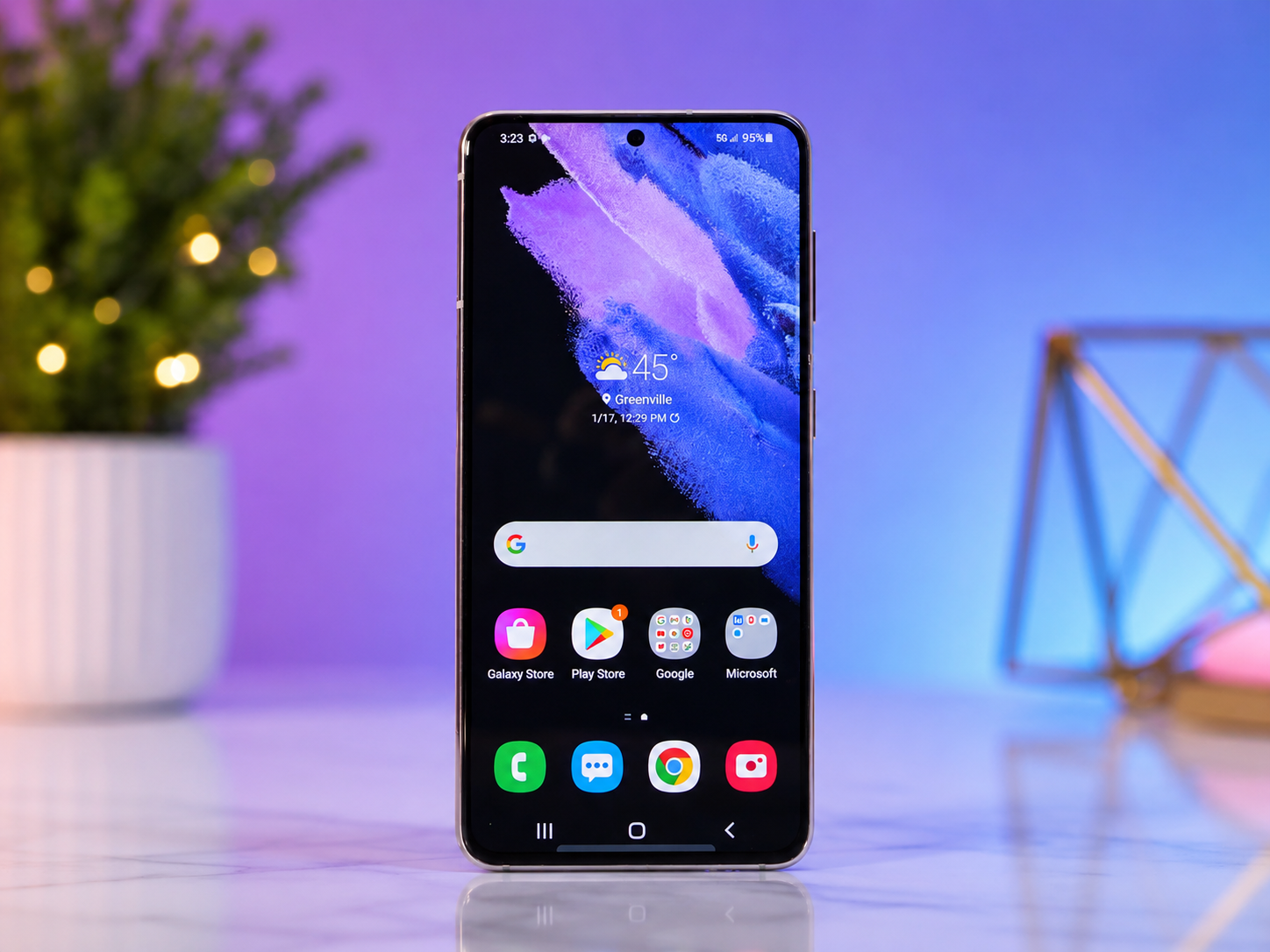
Few things cause panic faster than realizing your smartphone is missing. One moment it’s in your pocket, and the next it’s nowhere to be found. Maybe you left it at a coffee shop, dropped it under a couch cushion, or accidentally left it in a rideshare vehicle. In more serious situations, it may have been stolen.
Fortunately, Android users have a powerful tool designed specifically for these moments: Google Find My Device.
Find My Device is a free security service from Google that helps you locate compatible Android phones, tablets, Wear OS smartwatches, wireless earbuds, and certain Bluetooth tracking devices connected to your Google account. Depending on the situation, it can show your device’s location, make it ring even if it’s on silent mode, lock it remotely, display a message on its screen, or erase its data to protect your personal information.
The service has become significantly more capable in recent years. Google’s expanded Find My Device network can now help locate many supported devices even when they are offline by using nearby Android devices to securely detect them through encrypted Bluetooth signals. This greatly increases the chances of recovering a misplaced device.
Learning how to use Google Find My Device before you actually need it can save time, reduce stress, and protect your personal data.
What Is Google Find My Device?
Google Find My Device is a built-in Android security feature that helps users locate and manage their devices remotely.
It is linked to your Google account rather than to a specific phone number. Once a compatible Android device is signed into your Google account and Find My Device is enabled, you can access it from another Android device or through a web browser.
The service combines several technologies to determine a device’s location. These include GPS, Wi-Fi positioning, nearby Bluetooth devices, and mobile network information. Newer Android devices can also participate in Google’s Find My Device network, allowing compatible devices to help locate each other through encrypted Bluetooth signals while preserving user privacy.
The exact features available depend on your Android version, device model, and hardware capabilities.
Which Devices Work with Find My Device?
Many Android products support Find My Device.
Android smartphones are the most common devices protected by the service. Android tablets can also be located if they are connected to your Google account.
Many Wear OS smartwatches support Find My Device as well, allowing users to locate a misplaced watch.
Some wireless earbuds and headphones from Google and other manufacturers also integrate with the service. Certain Bluetooth trackers designed for Google’s Find My Device network can help locate everyday items such as keys, luggage, or backpacks.
Support varies by manufacturer, so available features may differ between devices.
How Find My Device Works
Find My Device continuously associates your compatible devices with your Google account.
When you request a location, Google’s system gathers available information from your device. If GPS is active, it can provide highly accurate positioning outdoors. If GPS is unavailable, Wi-Fi networks, Bluetooth signals, and nearby cellular towers may help estimate the location.
For supported devices participating in Google’s Find My Device network, nearby Android devices can anonymously detect encrypted Bluetooth signals and securely relay the approximate location to Google’s servers. The nearby devices do not learn whose device they helped locate, and Google designed the network with privacy protections such as end-to-end encryption for supported scenarios.
This combination of technologies makes finding lost devices much easier than relying on GPS alone.
Setting Up Google Find My Device
The best time to configure Find My Device is before your phone goes missing.
Start by signing in to your Android device using your Google account. Since Find My Device relies on your Google account, using the correct account is essential.
Next, make sure Location Services are turned on. GPS and location services significantly improve the accuracy of searches.
Find My Device should also be enabled in your device’s security settings. On most modern Android phones, this feature is enabled by default, but it is worth checking.
Keeping your device connected to the internet through Wi-Fi or mobile data allows it to communicate its location more effectively. Even if your device later loses its internet connection, supported models may still be discoverable through Google’s Find My Device network.
Maintaining an active screen lock with a PIN, password, or biometric authentication adds another layer of protection if your device is lost.
Finding Your Lost Android Phone
When your phone goes missing, stay calm.
Many lost devices are simply misplaced nearby rather than permanently lost.
Open Find My Device using another Android phone or access it through a web browser while signed in with the same Google account used on your missing device.
Once you select the missing phone, Google attempts to locate it.
If the phone is online, you will usually see its current or recently reported location displayed on a map.
If the phone is temporarily offline, Find My Device may show its last known location. For compatible devices participating in Google’s Find My Device network, the location may update later if another nearby Android device securely detects it.
The map can guide you toward your device if it is nearby.
Making Your Phone Ring
Sometimes your phone isn’t actually lost.
It may have slipped between couch cushions, fallen under a car seat, or been left somewhere inside your home.
Find My Device includes a feature that remotely makes your phone ring at full volume for several minutes, even if it was previously set to silent or vibrate mode on many supported Android devices.
This makes locating a nearby phone much faster than searching every room manually.
Simply listen for the ringtone and follow the sound until you find your device.
Locking a Lost Device
If you believe your phone has been left in a public place or may have been picked up by someone else, locking it remotely is one of the smartest actions you can take.
The remote lock feature secures your phone so unauthorized users cannot easily access your personal information.
You can also display a custom message on the lock screen.
Many people include a simple note explaining that the device is lost along with an alternate phone number or email address where they can be reached.
If an honest person finds the phone, this information can make returning it much easier.
Erasing Your Device Remotely
In some situations, recovering the phone may not be possible.
If you believe it has been stolen or contains highly sensitive information, remotely erasing the device may be the safest option.
The erase feature removes personal data stored on the device, helping protect information such as photos, emails, saved passwords, messages, and documents.
After a remote erase is completed, Find My Device generally can no longer locate that device because its connection to your Google account has been removed.
For this reason, remote erasure is usually considered a last resort after other recovery options have been exhausted.
Finding Offline Devices
One of the most significant improvements to Google’s Find My Device service is its ability to help locate supported devices even when they are offline.
Traditionally, a lost phone needed an internet connection to report its location.
Now, many compatible devices can securely broadcast encrypted Bluetooth signals.
Nearby Android devices participating in Google’s Find My Device network can detect these signals and anonymously report their approximate location.
This approach greatly improves the chances of recovering devices whose batteries are low or that temporarily lack internet access.
Not every Android device supports offline finding, but compatibility continues to expand.
Using Find My Device with Smartwatches
Wear OS smartwatches can also benefit from Find My Device.
If you accidentally leave your smartwatch behind at the gym or in a hotel room, you may be able to view its location through your Google account.
Depending on the watch model, you may also be able to make it ring, helping you locate it nearby.
Because smartwatches are small and lightweight, these features can be especially useful.
Finding Wireless Earbuds
Losing a single earbud is surprisingly common.
Many supported earbuds integrate with Google’s Find My Device service.
If they were recently connected to your phone, Find My Device may display their last known location.
Some models can even play sounds to help you locate them under furniture, inside bags, or beneath clothing.
Support varies by manufacturer and model.
Using Bluetooth Trackers
Google’s Find My Device network also supports compatible Bluetooth tracking tags.
These small trackers can be attached to keys, backpacks, luggage, wallets, bicycles, and other valuable belongings.
If an item goes missing, nearby Android devices participating in the network may securely detect the tracker and help update its approximate location.
This expands Find My Device beyond smartphones into an ecosystem for locating many everyday items.
Protecting Your Privacy
Because location services involve sensitive information, Google has built several privacy protections into Find My Device.
The system is designed so that nearby devices helping locate a lost item generally do not know whose device they are detecting.
For supported network-based finding, location information is protected using encryption so that only the device owner can access it.
Google has also introduced protections intended to reduce unwanted tracking, including alerts for unknown compatible Bluetooth trackers traveling with someone unexpectedly.
These safeguards aim to balance the usefulness of device finding with user privacy.
What Happens If Your Phone Is Stolen?
If you believe your phone has been stolen, your first priority should be protecting yourself rather than trying to recover it personally.
Use Find My Device to determine whether it is still moving or has remained in one location.
Lock the device immediately to help prevent unauthorized access.
If recovery appears unlikely, remotely erase your personal data.
You should also change passwords for important online accounts, especially your Google account, banking apps, and email if you suspect someone may have gained access before the phone was locked.
In many cases, reporting the theft to local authorities and your mobile carrier is also appropriate.
Tips for Better Device Protection
Find My Device works best when combined with good digital security habits.
Keeping your Android software updated ensures you receive the latest security improvements.
Strong screen locks reduce the risk of unauthorized access.
Regular backups protect your important files if your device cannot be recovered.
Leaving location services enabled allows more accurate device tracking.
Keeping Bluetooth enabled on supported devices may improve offline finding through Google’s Find My Device network.
These simple habits can significantly improve your chances of recovering a lost device while keeping your personal information secure.
Common Reasons Find My Device May Not Work
Sometimes Find My Device cannot locate a missing device immediately.
The phone may be powered off, its battery may be completely depleted, or it may not have location services enabled. If it has never been signed into the correct Google account or Find My Device was disabled beforehand, remote location features may not be available.
In addition, some advanced features—such as offline finding or locating accessories—depend on device compatibility and software version. Older devices may not support every capability.
Even in these situations, checking Find My Device is still worthwhile because it may display the device’s last known location or update later if the device reconnects or is detected through the Find My Device network.
The Future of Google’s Find My Device
Google continues to expand Find My Device into a broader ecosystem for locating devices and personal belongings.
Future improvements are expected to include wider support for accessories, more compatible Bluetooth trackers, deeper integration with Android devices, and continued enhancements to privacy and security.
As more Android devices participate in the Find My Device network, locating lost items is likely to become faster, more accurate, and more reliable.
Conclusion
Google Find My Device is much more than a simple phone locator. It is a comprehensive security tool that helps protect both your devices and the valuable information they contain. Whether you have misplaced your smartphone at home, forgotten your tablet at work, left your smartwatch at the gym, or attached a compatible tracker to your luggage, Find My Device offers practical ways to locate, secure, and, when necessary, protect your belongings.
The most important step is preparation. By enabling Find My Device, keeping your software up to date, using a secure screen lock, and allowing location services on your compatible devices, you can be ready long before an emergency happens.
Losing a device can be stressful, but with Google Find My Device, a moment of panic can often become a quick recovery—and even when recovery isn’t possible, your personal data can remain protected.