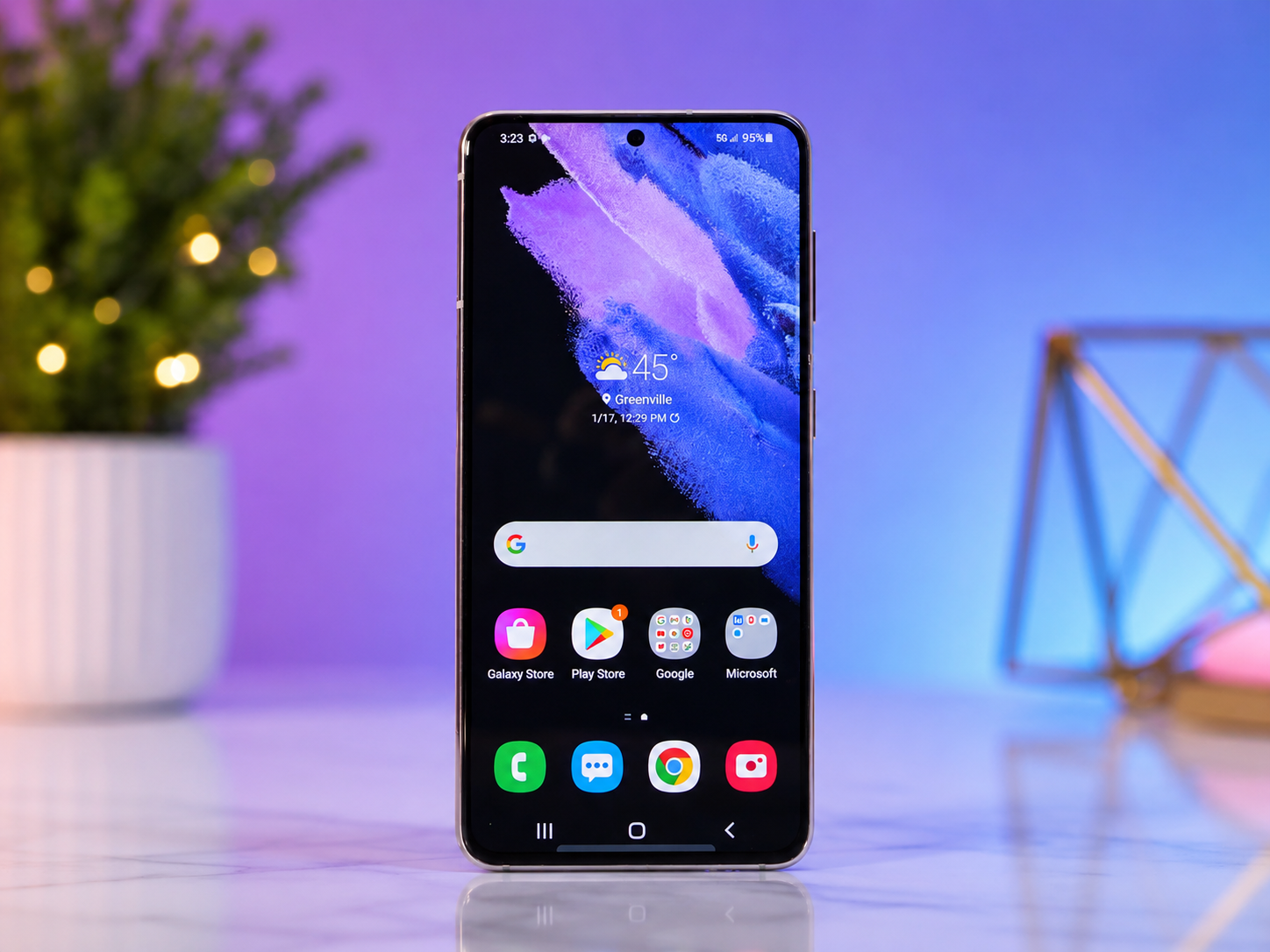
Your Android phone is much more than a device for making calls. It stores your photos, messages, memories, work files, banking apps, passwords, and personal information. Every day, it helps you communicate, learn, navigate, shop, and stay entertained. Because of this, keeping your Android phone updated is one of the most important things you can do to ensure it remains secure, reliable, and performs at its best.
Many people ignore update notifications because they seem inconvenient or take a few minutes to install. Others worry that an update might change the way their phone looks or slow it down. While these concerns are understandable, Android updates are designed to improve your device. They often fix security vulnerabilities, correct software bugs, enhance performance, introduce new features, and improve compatibility with the latest apps.
Updating your Android phone is a simple process, but understanding what happens during an update can help you feel more confident about installing it. This guide explains everything you need to know about updating Android safely and successfully.
What Is an Android Update?
An Android update is a software upgrade released by Google or your phone’s manufacturer to improve your device’s operating system.
Android is the operating system that controls how your smartphone works. It manages everything from the home screen and notifications to app performance, battery management, security, and hardware communication.
An update can include new features, visual improvements, bug fixes, better battery optimization, faster performance, and stronger protection against newly discovered cybersecurity threats.
Some updates are major operating system upgrades, such as moving from Android 14 to Android 15. Others are smaller monthly security updates that fix vulnerabilities without changing the appearance of your phone.
Both types of updates are important.
Why You Should Update Android Regularly
Updating Android is about much more than getting new features.
One of the biggest reasons to install updates is security. Cybercriminals constantly look for weaknesses in software that could allow malware, spyware, or hackers to access personal information. Google regularly releases security patches that close these vulnerabilities before they can be exploited.
Updates also improve stability. If your phone occasionally crashes, freezes, or behaves unexpectedly, a software update may fix those problems.
Manufacturers also optimize battery performance through updates. While batteries naturally age over time, software improvements can help devices use power more efficiently.
Many app developers design their latest apps for newer Android versions. Updating your operating system helps ensure your favorite apps continue working properly and receive new features.
Before Updating Your Android Phone
Although updating Android is generally safe, spending a few minutes preparing can prevent unexpected problems.
Your battery should have enough charge before starting the update. Most devices recommend having at least 50 percent battery remaining or keeping the phone connected to a charger during installation.
A stable Wi-Fi connection is also recommended because Android updates can be several hundred megabytes or even multiple gigabytes in size. Downloading large updates over mobile data may consume your data allowance.
It is also wise to back up your important information. While software updates rarely erase personal data, having a recent backup provides peace of mind.
Photos, contacts, documents, and messages can usually be backed up using your preferred cloud service or transferred to a computer.
How to Check for Android Updates
Checking for updates is easy, although the exact menu names may vary slightly depending on your phone manufacturer.
Open the Settings app on your Android phone.
Scroll down until you find System, Software Update, or a similar option. On Samsung devices, this section is often called Software Update, while other manufacturers may place it under About Phone or System Updates.
Tap the update section, then choose Check for Updates.
If an update is available, your phone will display information about the new version, including its size and the improvements it contains.
You can then begin downloading the update.
Downloading the Update
Once the update is available, your phone will download the software package from the manufacturer’s servers.
The download time depends on several factors, including the size of the update and the speed of your internet connection.
During this stage, you can usually continue using your phone normally.
Some manufacturers allow the download to happen in the background without interrupting your work.
Installing the Update
After downloading finishes, your phone will ask when you would like to install the update.
You can usually install it immediately or schedule the installation for a later time, such as overnight.
During installation, your phone will restart.
You may see the Android logo along with a progress indicator while the new software is being installed.
Do not turn off the phone during this process or remove the battery if your device has one.
The installation may take several minutes depending on the update size and your device.
Once complete, your phone will restart again and load the updated operating system.
What Happens After the Update?
After your phone starts successfully, Android may spend a few minutes optimizing installed applications.
This process helps apps work efficiently with the updated operating system.
Your files, photos, contacts, and apps should remain exactly where they were before the update.
Sometimes you may notice small changes in icons, menus, settings, or animations.
You might also discover new privacy controls, accessibility improvements, camera enhancements, or battery optimization features.
Different Types of Android Updates
Not every Android update is the same.
Security updates are released regularly to fix vulnerabilities that could allow unauthorized access or malware infections. These updates usually do not change how the phone looks.
System updates improve the operating system itself. They often include performance improvements, new features, redesigned interfaces, and compatibility enhancements.
Google Play system updates improve certain security components independently from the full Android operating system.
App updates are separate from Android updates. Individual applications receive updates through the Google Play Store to add features, improve stability, and fix bugs.
Keeping all of these updated provides the best overall experience.
Why Some Phones Receive Updates Earlier Than Others
Many Android users notice that not everyone receives updates on the same day.
This happens because Android is used by many different manufacturers, including Samsung, Google, Xiaomi, Motorola, OnePlus, Oppo, Vivo, Sony, and others.
Google develops the Android operating system, but manufacturers customize it for their own devices. Before releasing an update, each company tests it to ensure compatibility with its hardware, cameras, processors, and unique software features.
Some companies also release updates gradually. This allows engineers to monitor for unexpected problems before making the update available to everyone.
What If No Update Is Available?
If your phone reports that it is already up to date, there may simply be no newer version available for your model.
Some older smartphones eventually stop receiving major Android upgrades because manufacturers only support them for a limited number of years.
However, newer devices often continue receiving security updates even after major operating system upgrades have ended.
If your phone is several years old and no longer receives updates, it may still function normally, but it will gradually become less secure as newly discovered vulnerabilities remain unpatched.
Common Problems During Android Updates
Although Android updates are generally reliable, occasional issues can occur.
A lack of storage space is one of the most common reasons an update cannot be installed. Deleting unnecessary files, unused apps, or old downloads can often solve this problem.
Slow internet connections may cause downloads to take longer than expected. Switching to a stable Wi-Fi network usually helps.
If the installation appears stuck, patience is important. Large updates sometimes require additional time while optimizing system files.
If a device becomes completely unresponsive, restarting it after waiting a reasonable amount of time may resolve the issue. In rare cases, manufacturer support may be needed.
How to Free Up Space Before Updating
Modern Android updates can require several gigabytes of available storage.
If your phone is running low on space, removing duplicate photos, large videos, downloaded files, or apps you no longer use can create enough room for the update.
Cloud storage services can also help preserve important files while freeing local storage.
Regular storage management not only makes updates easier but can also improve overall device performance.
Should You Install Updates Immediately?
For most users, installing updates soon after they become available is the safest choice.
Security updates are especially important because they protect against known vulnerabilities that attackers may try to exploit.
Occasionally, a newly released update may contain unexpected bugs. In such cases, manufacturers usually release a follow-up fix quickly.
Unless there is a well-documented widespread issue affecting your specific device model, keeping your phone updated remains the best practice.
Automatic Updates
Most Android phones allow updates to download automatically when connected to Wi-Fi.
Automatic updates help ensure your device stays protected without requiring constant attention.
You can usually enable or disable automatic updates within the Software Update settings.
Many people prefer automatic downloads while choosing to manually start the installation at a convenient time.
How Android Updates Improve Security
Modern smartphones contain valuable personal information, making them attractive targets for cybercriminals.
Every year, security researchers discover new software vulnerabilities.
Google’s Android security team works continuously to identify and patch these weaknesses before they can be widely exploited.
Security updates may prevent unauthorized access, block malicious software, improve encryption, strengthen app permissions, and protect sensitive personal information.
Installing updates is one of the simplest and most effective ways to improve your phone’s cybersecurity.
How Updates Improve Performance
Software engineers continually optimize Android’s performance.
Updates may improve memory management, reduce battery consumption, speed up animations, enhance camera processing, improve wireless connectivity, and increase overall stability.
Sometimes users notice faster app launching, smoother scrolling, or fewer crashes after updating.
Performance improvements vary depending on the device model and the specific update being installed.
Updating Apps After Updating Android
Once Android has been updated, it is also a good idea to update your installed apps.
Open the Google Play Store.
Tap your profile icon and navigate to Manage apps and device.
If app updates are available, install them.
Updated apps are often optimized for the latest Android version, providing better compatibility, security, and performance.
How Long Does Android Support Last?
Software support depends on the manufacturer and device model.
Many modern flagship smartphones receive several years of operating system upgrades along with extended security updates.
Budget devices often receive fewer years of support, although this has been improving across the Android industry.
When purchasing a new smartphone, considering the manufacturer’s update policy can help ensure your device remains secure for many years.
Conclusion: A Small Step That Makes a Big Difference
Updating your Android phone is one of the simplest habits you can develop to keep your device secure, reliable, and performing at its best. Each update represents countless hours of work by engineers who continuously improve the operating system, strengthen security, fix software bugs, and introduce useful new features.
Whether the update includes a major new version of Android or a small monthly security patch, installing it helps protect your personal information, improves compatibility with modern apps, and ensures your phone continues to deliver the experience it was designed to provide.
Technology evolves rapidly, and your smartphone evolves with it through regular software updates. Taking a few minutes to install those updates today can lead to a safer, smoother, and more enjoyable Android experience for years to come.