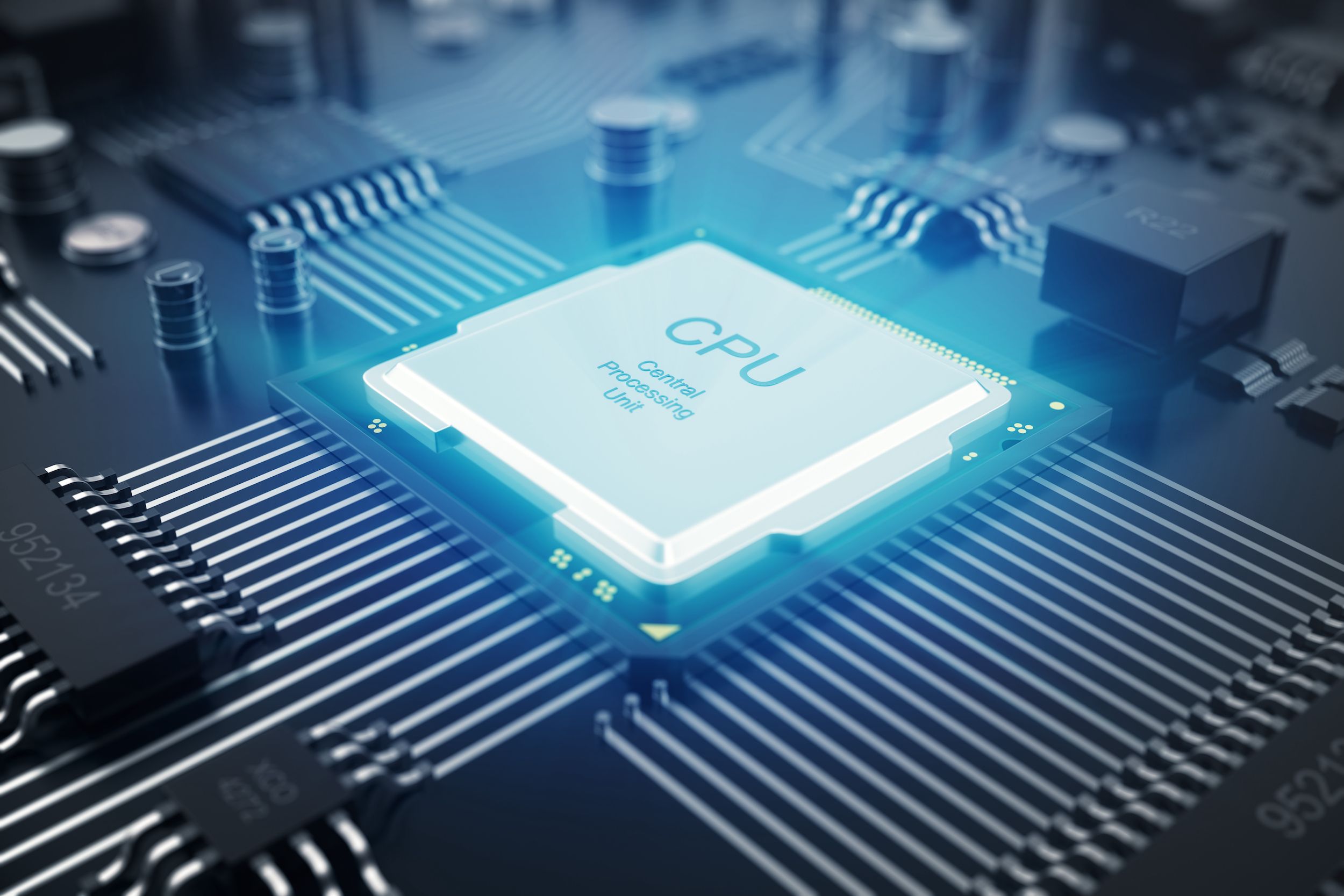
Every time you tap your phone, open a website, play a game, or write an email, something extraordinary happens inside your computer or smartphone. Within a tiny silicon chip no larger than your fingernail, billions of microscopic electronic switches work together at astonishing speed to carry out your commands. This remarkable device is the Central Processing Unit (CPU), often called the “brain” of a computer.
Although we rarely think about it, every action performed by a computer begins with the CPU executing instructions. It doesn’t understand words, pictures, or videos the way humans do. Instead, it follows an incredibly precise sequence of tiny instructions, one after another, millions or even billions of times every second.
The process may sound mysterious, but it is built on surprisingly elegant ideas. By understanding how a CPU executes instructions, you gain a deeper appreciation for the technology that powers nearly every aspect of modern life.
What Is a CPU?
A Central Processing Unit, or CPU, is the primary processor that performs calculations, makes decisions, and controls the operations of a computer. Every program—from a simple calculator app to a sophisticated video game—ultimately depends on the CPU to execute its instructions.
The CPU communicates with memory, storage devices, graphics hardware, and countless other components. Whenever software asks the computer to perform a task, those requests eventually arrive at the CPU in the form of machine instructions.
Modern CPUs are built from billions of transistors etched onto tiny silicon chips. A transistor is an electronic switch that can rapidly turn on or off, representing the binary values 1 and 0 that form the foundation of digital computing.
Everything Starts with Instructions
Computers do not understand programming languages like Python, Java, or C++ directly. Before a program can run, its code is translated into machine language, a sequence of binary instructions that the CPU can understand.
Each instruction tells the processor to perform a very specific task.
One instruction may add two numbers.
Another may compare two values.
A different instruction may move data from memory into a register.
Another may tell the CPU to jump to a different part of the program.
Individually, these instructions are extremely simple. Yet when billions of them are executed in carefully designed sequences, they create web browsers, operating systems, artificial intelligence, video editing software, and modern computer games.
The Language of Binary
At the heart of every CPU lies binary.
Binary uses only two digits: 0 and 1.
These two values correspond to the electrical states inside transistors.
A transistor conducting electricity can represent one value, while a transistor not conducting can represent the other. Exactly which state corresponds to 0 or 1 depends on the circuit design, but the principle remains the same.
Every number, letter, image, song, video, and computer program eventually becomes long patterns of binary digits.
To humans, binary looks like endless strings of zeros and ones.
To the CPU, it is a language filled with meaning.
The Instruction Cycle
Although modern processors are incredibly complex, the fundamental process of executing instructions follows a repeating cycle.
The CPU first retrieves an instruction from memory.
It then determines what that instruction means.
Finally, it performs the required operation.
This continuous process repeats over and over, allowing software to run.
Computer scientists often describe this as the fetch-decode-execute cycle, which forms the foundation of nearly all modern processors.
Fetch: Retrieving the Next Instruction
Execution begins with the fetch stage.
Programs are stored in a computer’s memory as sequences of machine instructions.
The CPU must know where the next instruction is located.
To keep track, it uses a special register called the Program Counter (PC). Despite its name, the Program Counter usually stores the memory address of the next instruction rather than counting programs.
When the CPU begins a fetch operation, it sends this memory address to the computer’s memory system.
The memory returns the instruction stored at that location.
Once the instruction has been retrieved, the Program Counter is typically updated to point to the following instruction, unless a later instruction changes the normal flow of execution.
This happens extremely quickly.
Modern processors perform billions of fetch operations every second.
Decode: Understanding the Instruction
After fetching an instruction, the CPU must determine what it is supposed to do.
This happens during the decode stage.
Every machine instruction contains an opcode, or operation code. The opcode tells the CPU what kind of operation should be performed.
Some instructions request arithmetic calculations.
Others move information.
Some compare values.
Others control program flow by branching or jumping.
The CPU’s control unit interprets the opcode and prepares the appropriate internal hardware for execution.
Although decoding happens in tiny fractions of a second, it is essential because every instruction requires different parts of the processor.
Execute: Performing the Work
Once the instruction has been decoded, the CPU performs the requested operation.
This is the execute stage.
If the instruction asks for addition, the processor performs an arithmetic calculation.
If it requests comparison, the CPU evaluates two values.
If it asks to copy data, information moves between registers or memory.
If the instruction changes the program’s flow, the CPU updates the Program Counter to a new address instead of continuing to the next sequential instruction.
The execution stage is where the actual work of computing happens.
Every application relies on millions or billions of these tiny operations.
Registers: The CPU’s Fastest Memory
One reason CPUs operate so quickly is that they contain extremely small but incredibly fast storage locations called registers.
Registers temporarily hold the data that the CPU is actively using.
Instead of constantly retrieving information from the much slower main memory, the processor stores frequently used values inside registers for immediate access.
Registers may hold numbers being added, memory addresses, intermediate calculation results, or the next instruction address.
Although modern CPUs have relatively few registers compared with the amount of main memory, they are vastly faster.
This speed is one of the secrets behind high-performance computing.
The Arithmetic Logic Unit
The Arithmetic Logic Unit (ALU) is one of the CPU’s most important components.
The ALU performs mathematical calculations and logical operations.
Addition, subtraction, multiplication support, comparisons, and Boolean logic such as AND, OR, XOR, and NOT are handled here, although some complex operations may involve additional specialized hardware depending on the processor design.
Whenever software performs calculations—from balancing a spreadsheet to simulating planetary motion—the ALU is involved.
Its work happens so rapidly that users rarely notice the billions of operations occurring every second.
The Control Unit
While the ALU performs calculations, the Control Unit acts as the coordinator.
It directs the movement of data.
It determines which instruction should execute next.
It tells other parts of the processor when to operate.
Without the Control Unit, the CPU’s components would not work together in an organized way.
Every instruction depends on careful timing and coordination.
Memory: Where Instructions Live
Programs cannot fit entirely inside the CPU.
Instead, they are stored in memory.
Random Access Memory, or RAM, temporarily holds programs and data while the computer is running.
When software launches, its instructions are loaded into RAM.
The CPU continuously fetches instructions from memory as needed.
Because accessing RAM is slower than accessing registers, modern processors use additional techniques to reduce delays.
Cache Memory: The CPU’s Shortcut
Modern CPUs include small, extremely fast memory areas called cache.
Cache stores instructions and data that the processor is likely to use again soon.
Instead of repeatedly retrieving information from RAM, the CPU first checks its cache.
If the needed information is already there—a situation known as a cache hit—the processor can continue working much faster.
If the information is not present, known as a cache miss, the CPU retrieves it from RAM and may store it in the cache for future use.
Most processors contain multiple cache levels, commonly called L1, L2, and L3 cache.
These caches play a major role in improving performance.
The Clock: Keeping Everything in Sync
Inside every CPU is an electronic clock.
This clock generates regular timing pulses that synchronize the processor’s operations.
Each pulse allows the CPU to move to the next step in executing instructions.
Clock speed is measured in hertz.
Modern processors often operate at several gigahertz, meaning billions of clock cycles every second.
However, a higher clock speed alone does not guarantee better performance.
Processor architecture, cache design, instruction execution efficiency, memory performance, and many other factors also influence overall speed.
Modern CPUs Execute Multiple Instructions at Once
Early processors generally completed one instruction before starting the next.
Modern CPUs are far more sophisticated.
They use techniques that allow multiple instructions to be in different stages of execution simultaneously.
One of the most important techniques is instruction pipelining.
Instead of waiting for one instruction to finish completely, the processor overlaps different stages.
While one instruction is executing, another may be decoding, and yet another may already be fetching from memory.
This greatly increases efficiency.
Modern processors also use superscalar execution, allowing multiple instructions to begin execution during the same clock cycle when enough hardware resources are available.
These innovations help modern CPUs perform billions of operations every second.
Branch Prediction: Guessing the Future
Programs frequently make decisions.
For example, a program might ask whether a password is correct or whether a player has reached the next level.
Such decisions create branches in program execution.
Waiting for every decision could slow the processor.
To reduce delays, modern CPUs use branch prediction.
The processor predicts which path the program will probably take and begins preparing for that outcome.
If the prediction is correct, execution continues with little interruption.
If the prediction is wrong, the processor discards the incorrect work and follows the correct path instead.
Modern branch predictors are remarkably accurate, contributing significantly to processor performance.
Out-of-Order Execution
Many modern CPUs also use out-of-order execution.
Instead of rigidly executing every instruction in the exact order they appear, the processor may execute independent instructions earlier if they are ready.
This allows the CPU to keep more of its hardware busy while waiting for slower operations, such as memory accesses, to complete.
Even though instructions may execute internally in a different order, the processor ensures that the final results remain consistent with the program’s intended behavior.
Multiple CPU Cores
Today’s processors usually contain multiple cores.
Each core is essentially an independent CPU capable of executing its own stream of instructions.
A quad-core processor has four CPU cores.
An eight-core processor has eight.
High-end server processors may contain dozens or even hundreds of cores.
Operating systems distribute work across these cores so that multiple tasks can run simultaneously.
For example, one core may play music while another loads a webpage and another checks for software updates.
This parallel processing greatly improves multitasking and performance for many applications.
How Software Becomes Action
Imagine clicking the “Save” button in a word processor.
The mouse sends an electrical signal.
The operating system recognizes the click.
The application decides that the document should be saved.
Thousands of software functions are called.
Millions of machine instructions are generated and executed.
The CPU reads instructions from memory.
Data moves through registers.
Calculations occur.
The storage device receives the document.
Within a fraction of a second, the file is safely written to disk.
To the user, saving a document feels nearly instantaneous.
Inside the computer, however, an astonishing sequence of precisely coordinated events has unfolded.
How Billions of Transistors Make Decisions
The CPU itself contains no tiny people making calculations.
Everything happens because billions of transistors switch between electrical states.
Groups of transistors form logic gates.
Logic gates combine into larger circuits.
These circuits create arithmetic units, memory elements, control systems, and communication pathways.
Working together, they implement the fetch-decode-execute cycle with extraordinary precision.
Remarkably, every complex computer program ultimately relies on these tiny electronic switches following the laws of physics.
Why CPU Efficiency Matters
The speed at which a CPU executes instructions affects nearly every aspect of computing.
A faster processor can render videos more quickly.
Games become smoother.
Scientific simulations finish sooner.
Artificial intelligence models process data more efficiently.
Battery-powered devices also benefit from efficient instruction execution because completing work with less energy extends battery life.
For this reason, CPU designers continually seek ways to execute more instructions while using less power.
The Role of the Operating System
The CPU does not decide on its own which program should run.
That responsibility belongs largely to the operating system.
The operating system schedules tasks, allocates memory, manages hardware resources, and determines which processes receive CPU time.
This rapid switching between programs creates the illusion that many applications are running simultaneously, even on systems with fewer CPU cores than active programs.
The Future of CPU Execution
Processor technology continues to evolve.
Engineers are developing increasingly efficient architectures, specialized accelerators, advanced manufacturing techniques, and smarter ways to execute instructions.
Artificial intelligence is influencing processor design, leading to CPUs that work alongside dedicated AI accelerators, graphics processors, and other specialized hardware.
Researchers are also exploring quantum computing and entirely new approaches to information processing. Although quantum computers operate on fundamentally different principles and are suited to particular types of problems rather than replacing conventional CPUs, they may one day complement traditional processors for certain tasks.
Despite these advances, the basic idea remains unchanged.
Every computation begins with instructions.
The CPU fetches them.
It decodes them.
It executes them.
Then it repeats the cycle again and again—billions of times every second.
The Remarkable Simplicity Behind Modern Computing
The power of modern computers does not come from a single magical breakthrough. Instead, it emerges from the astonishing speed and precision with which CPUs execute countless simple instructions. Every email sent, every movie streamed, every scientific discovery simulated, and every conversation with an AI depends on this relentless process unfolding silently inside a tiny silicon chip.
Understanding how a CPU executes instructions reveals that modern computing is built on elegant, repeatable principles rather than mystery. From fetching an instruction in memory to decoding its meaning and carrying out its operation, each step is simple on its own. Yet together, repeated billions of times each second, these steps create the digital world that surrounds us. It is a powerful reminder that extraordinary achievements often arise from countless small actions working together in perfect harmony.