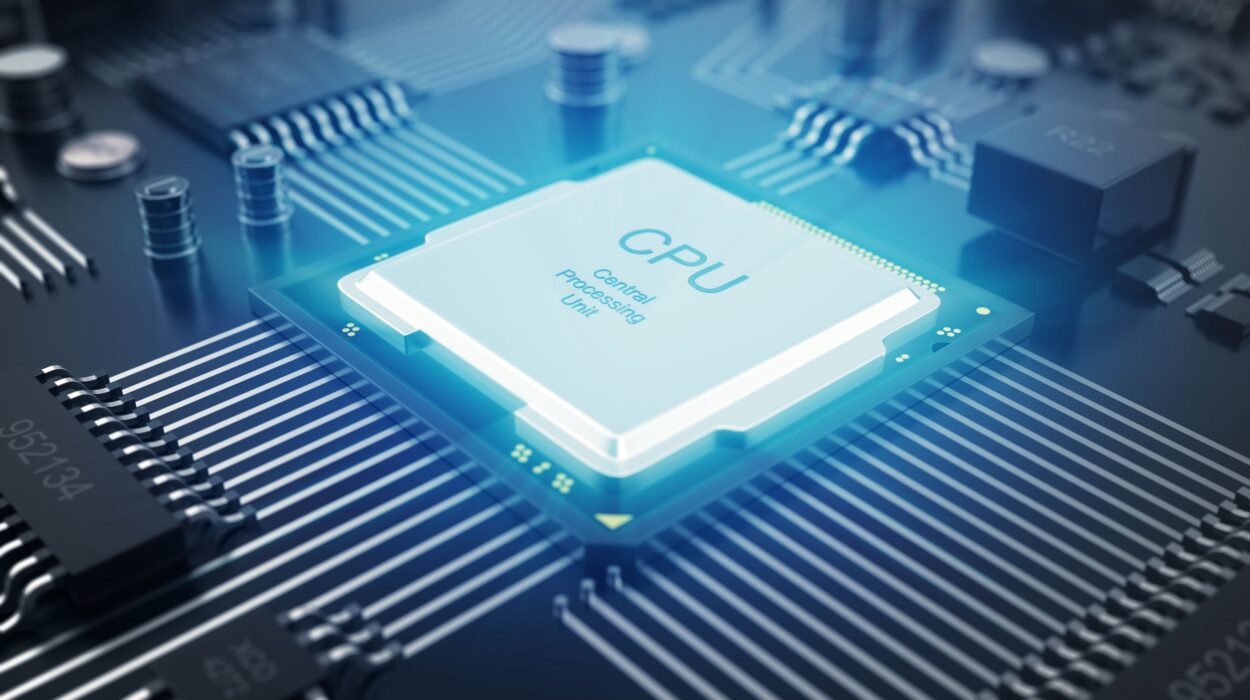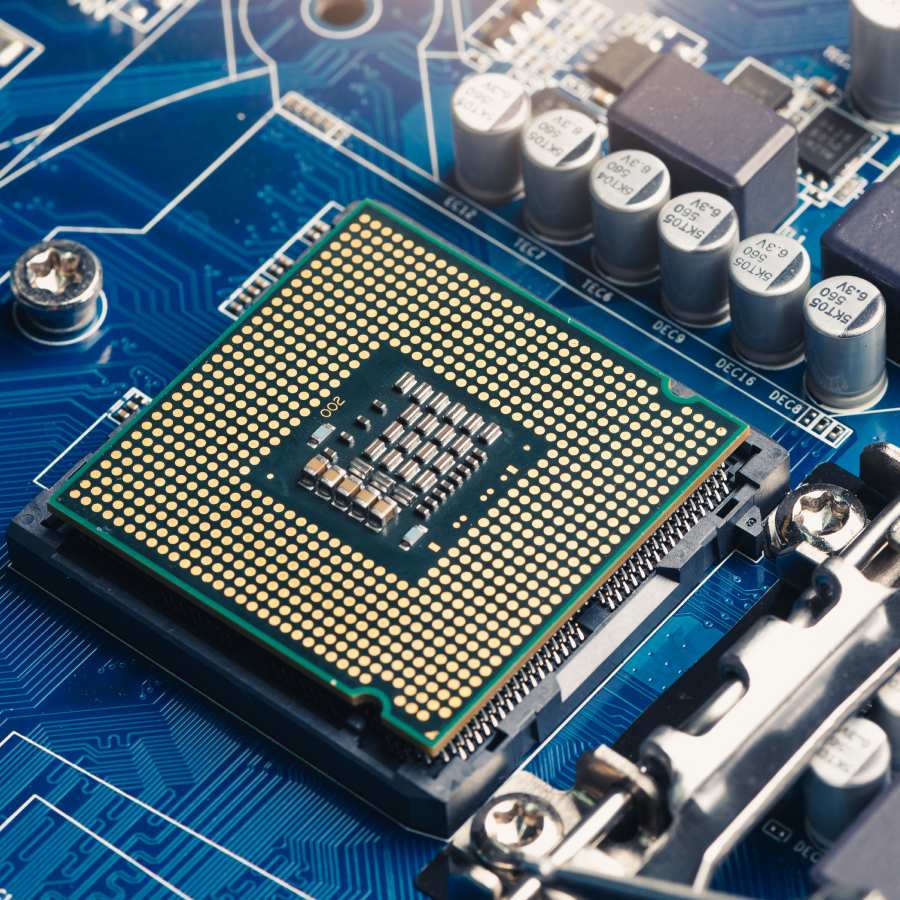
Every time you open an app, play a game, stream a movie, write an email, or ask an AI chatbot a question, an extraordinary piece of technology begins working at incredible speed behind the scenes. Hidden beneath the sleek design of your laptop, desktop, smartphone, or gaming console is a tiny silicon chip that performs billions—or even trillions—of calculations every second. This remarkable component is called the Central Processing Unit, or simply the CPU.
Although most people use devices powered by CPUs every day, few stop to think about what this tiny chip actually does. Without it, your computer would be nothing more than an expensive collection of electronic parts. The CPU is the component that gives a computer the ability to think, calculate, make decisions, and follow instructions.
Understanding how a CPU works not only helps you appreciate modern technology but also reveals one of the greatest engineering achievements in human history. From the earliest computers that filled entire rooms to today’s ultra-powerful processors containing tens of billions of transistors, the evolution of the CPU has transformed the way we live, work, communicate, and explore the world.
What Is a CPU?
A CPU, or Central Processing Unit, is the primary processor of a computer. It is responsible for executing instructions from software and controlling nearly every operation that takes place inside a computing device.
The CPU reads instructions from programs, performs calculations, makes logical decisions, moves data between components, and coordinates the activities of the entire system. Because it carries out the instructions that tell a computer what to do, it is often called the brain of the computer.
However, the CPU does not “think” like a human brain. It does not understand language, emotions, or ideas. Instead, it follows precise instructions written in machine language, performing operations with astonishing speed and accuracy.
Whether you are editing photos, browsing the internet, watching videos, programming software, or playing the latest video game, your CPU is constantly processing millions or billions of instructions to make those activities possible.
Why Is the CPU So Important?
Every computer component has a specific job, but the CPU acts as the central coordinator.
When you click a button on your screen, the CPU receives the input, determines what should happen next, retrieves the necessary data from memory, performs calculations if needed, and sends instructions to other hardware.
Without a CPU, software cannot run.
Without a CPU, your operating system cannot start.
Without a CPU, your keyboard, mouse, display, storage devices, and internet connection cannot work together.
The CPU connects all these parts into one functioning system.
A Simple Way to Imagine a CPU
Imagine a busy restaurant.
Customers place orders.
Waiters carry those orders to the kitchen.
Chefs prepare the meals.
The manager ensures everyone works together efficiently.
In this analogy, the CPU is like the restaurant manager. It receives requests, decides what needs to happen, coordinates different workers, and ensures everything happens in the correct order.
The CPU itself does not permanently store recipes, ingredients, or customer information. Instead, it constantly retrieves the information it needs from memory and storage while directing other components.
What Does the CPU Actually Do?
The CPU performs three essential tasks over and over again.
First, it retrieves instructions from memory.
Next, it interprets those instructions to determine what action is required.
Finally, it executes the instructions by performing calculations, moving data, or controlling other hardware.
This process repeats continuously, often billions of times every second.
Everything your computer does—from displaying text on your screen to running complex scientific simulations—is built upon this repeating cycle.
The Fetch-Decode-Execute Cycle
The fundamental working process of every modern CPU is known as the fetch-decode-execute cycle.
During the fetch stage, the CPU retrieves the next instruction from the computer’s memory.
During the decode stage, it determines what the instruction means.
During the execute stage, it performs the required action.
After completing one instruction, the CPU immediately begins processing the next.
This continuous cycle happens so rapidly that users experience smooth, nearly instantaneous responses.
Even while you read this sentence, your device’s CPU has already completed countless billions of these cycles.
Understanding Machine Instructions
Computers do not understand English or any human language directly.
Instead, every instruction eventually becomes binary code consisting of only two digits: 0 and 1.
These binary digits represent electrical states inside billions of microscopic electronic switches called transistors.
Complex software applications—including web browsers, games, office programs, and artificial intelligence systems—are ultimately translated into enormous collections of binary instructions that the CPU can process.
Although humans see colorful graphics and intuitive interfaces, the CPU sees only sequences of digital instructions.
The Main Parts of a CPU
Despite being only a few centimeters across, a modern CPU contains several major components working together.
The Control Unit directs the flow of information throughout the processor. It determines which instructions should be executed and coordinates communication with other parts of the computer.
The Arithmetic Logic Unit, often called the ALU, performs mathematical calculations and logical operations. It handles tasks such as addition, subtraction, multiplication, comparisons, and decision-making.
Modern CPUs also include specialized execution units that perform floating-point calculations, vector operations, encryption, and artificial intelligence workloads more efficiently.
Another important component is the collection of registers, which are extremely small but incredibly fast storage locations used to hold data that the CPU is currently processing.
Working together, these components allow the CPU to execute instructions with remarkable speed.
What Are Transistors?
The true magic inside every CPU comes from transistors.
A transistor is an extremely tiny electronic switch.
It can be turned on or off, representing the binary values of 1 and 0.
Modern processors contain astonishing numbers of these microscopic switches.
High-end desktop and server CPUs often contain tens of billions of transistors packed onto a single silicon chip only slightly larger than a postage stamp.
As electricity flows through these transistors, they perform the logical operations that make computing possible.
The ability to manufacture ever-smaller transistors has been one of the main reasons computers have become dramatically faster, smaller, and more energy efficient over the past several decades.
What Is a CPU Core?
Early computers contained only one processing core.
Today, most CPUs contain multiple cores.
A core is an independent processing unit capable of executing instructions.
A dual-core processor has two cores.
A quad-core processor has four.
Modern consumer processors commonly include six, eight, twelve, sixteen, or even more cores.
Each core can work on different tasks simultaneously.
For example, while one core helps your web browser load a page, another might play music, another runs your operating system, and another manages background updates.
This ability to process multiple tasks at the same time significantly improves performance.
What Is Multithreading?
Many modern CPUs support a technology called simultaneous multithreading, known by brand-specific names such as Intel Hyper-Threading.
This technology allows a single physical core to manage more than one stream of instructions, called threads, at the same time.
Although multithreading does not literally double performance, it often allows CPU resources to be used more efficiently, improving performance for many workloads.
Applications such as video editing, software development, scientific simulations, and 3D rendering often benefit from having many cores and many threads.
What Is CPU Clock Speed?
The CPU operates according to an internal clock.
Clock speed measures how many processing cycles occur each second.
It is usually expressed in gigahertz (GHz).
A processor running at 4 GHz performs approximately four billion clock cycles every second.
However, clock speed alone does not determine overall performance.
A newer processor running at a lower clock speed may outperform an older processor with a higher clock speed because of architectural improvements, larger caches, better instruction handling, and greater efficiency.
Modern CPUs automatically adjust their clock speed depending on workload, power consumption, and temperature.
What Is CPU Cache?
Accessing main memory takes much longer than accessing information stored inside the CPU itself.
To reduce delays, processors include a special type of extremely fast memory called cache.
The CPU stores frequently used instructions and data inside the cache so they can be accessed much more quickly.
Most modern processors include several cache levels, commonly called L1, L2, and L3 cache.
The closer the cache is to the processing core, the faster it operates.
Although cache memory is much smaller than system RAM, it greatly improves overall performance by reducing waiting time.
How Does the CPU Work with RAM?
The CPU and Random Access Memory (RAM) work as close partners.
RAM temporarily stores the programs and data currently being used.
When you launch an application, it is loaded from permanent storage into RAM.
The CPU then retrieves instructions and data from RAM as needed.
If there is not enough RAM available, the computer may become slower because it must repeatedly move information between memory and storage.
A fast CPU combined with sufficient RAM allows software to run much more smoothly.
How Does the CPU Work with Storage?
Unlike RAM, storage devices such as solid-state drives (SSDs) and hard disk drives (HDDs) keep information even after the computer is turned off.
When you start your computer, the operating system is loaded from storage into RAM.
The CPU then begins executing the operating system’s instructions.
This relationship explains why installing a faster SSD often makes a computer feel much more responsive, even if the CPU remains unchanged.
CPU and GPU: What’s the Difference?
Although both CPUs and Graphics Processing Units (GPUs) process information, they are designed for different purposes.
The CPU is built to handle a wide variety of tasks quickly and efficiently. It excels at making decisions, managing software, and processing complex instructions one after another.
The GPU is optimized for performing many similar calculations simultaneously. This makes it ideal for rendering graphics, processing images, training artificial intelligence models, and performing certain scientific calculations.
In modern computers, the CPU and GPU work together.
The CPU manages the overall operation of the system, while the GPU specializes in highly parallel workloads.
How CPUs Have Evolved Over Time
The first electronic computers used thousands of vacuum tubes and occupied entire rooms.
They consumed enormous amounts of electricity and were far less powerful than today’s smartphones.
The invention of the transistor revolutionized computing by making computers smaller, more reliable, and more efficient.
Later, integrated circuits allowed thousands and eventually millions of transistors to be placed on a single chip.
Today, the most advanced processors are manufactured using technologies measured in nanometers, enabling billions of transistors to fit into incredibly small spaces.
This remarkable progress has allowed computing power to increase dramatically while reducing energy consumption.
How CPUs Are Manufactured
Modern CPUs are among the most complex products humans have ever built.
They begin as highly purified silicon extracted from sand.
Large silicon wafers undergo hundreds of highly precise manufacturing steps involving photolithography, chemical deposition, etching, ion implantation, and microscopic inspection.
The patterns created during manufacturing define billions of interconnected transistors.
After testing, individual chips are cut from the wafer, packaged, and installed into computers around the world.
Manufacturing advanced processors requires extraordinary precision because even tiny defects can affect performance or prevent a chip from functioning correctly.
Why CPUs Generate Heat
Every calculation performed by the CPU consumes electrical energy.
Part of this energy becomes heat.
As processors perform increasingly demanding tasks, they generate more heat.
To prevent overheating, computers use cooling systems that may include metal heat sinks, fans, liquid cooling systems, or vapor chambers.
Modern CPUs also include temperature sensors that automatically reduce processing speed if temperatures become too high, helping protect the processor from damage.
What Makes One CPU Faster Than Another?
Many factors influence CPU performance.
The design of the processor’s architecture plays a major role in determining how efficiently it executes instructions.
The number of cores affects how well the CPU handles multiple tasks simultaneously.
Clock speed influences how quickly instructions are processed.
Cache size can reduce delays when accessing frequently used data.
Manufacturing technology affects power efficiency and transistor density.
Software optimization is equally important because programs designed to take advantage of modern processors often run significantly faster.
As a result, comparing CPUs involves much more than simply looking at their advertised clock speeds.
CPUs in Everyday Devices
Although people often associate CPUs with desktop computers, they are found almost everywhere.
Smartphones rely on CPUs to run apps, manage cameras, and connect to wireless networks.
Cars use multiple processors to control engines, braking systems, navigation, and driver assistance features.
Smart televisions use CPUs for streaming services and user interfaces.
Game consoles depend on powerful processors to deliver immersive experiences.
Smartwatches, fitness trackers, drones, robots, medical equipment, industrial machinery, and even household appliances all contain processors that manage their operations.
The modern world is filled with devices quietly powered by CPUs.
CPUs and Artificial Intelligence
Artificial intelligence has increased demand for more powerful processors.
CPUs remain essential because they coordinate operating systems, prepare data, and manage AI software.
However, many AI workloads also use GPUs or specialized AI accelerators that can perform massive numbers of calculations in parallel.
Even so, every AI-powered computer still relies on its CPU to oversee the overall computing process.
Whether generating text, recognizing speech, translating languages, or analyzing scientific data, the CPU remains a central part of the system.
The Future of CPUs
Processor technology continues to advance rapidly.
Engineers are developing new chip designs that deliver greater performance while consuming less power.
Researchers are exploring innovative materials, three-dimensional chip packaging, advanced manufacturing techniques, and improved energy efficiency.
Future CPUs will likely work even more closely with AI accelerators, quantum technologies, and specialized processors designed for tasks such as machine learning, cybersecurity, and scientific computing.
Although their designs will continue to evolve, their essential role will remain the same: executing instructions and enabling computers to perform useful work.
Why Understanding the CPU Matters
The CPU is far more than a small chip hidden inside a computer. It is the engine that transforms software into action, allowing digital devices to solve problems, communicate, create, entertain, and discover. Every click, every search, every video call, and every game depends on billions of microscopic operations happening inside this remarkable processor.
From the earliest room-sized computers to today’s powerful laptops, smartphones, and data centers, the CPU has remained at the heart of computing. As technology continues to advance, processors will become even more capable, opening the door to faster computers, smarter artificial intelligence, more immersive virtual worlds, and scientific discoveries that are difficult to imagine today.
Understanding how a CPU works is more than learning about computer hardware—it is discovering how one of humanity’s greatest inventions quietly powers the digital world that surrounds us every moment of every day.