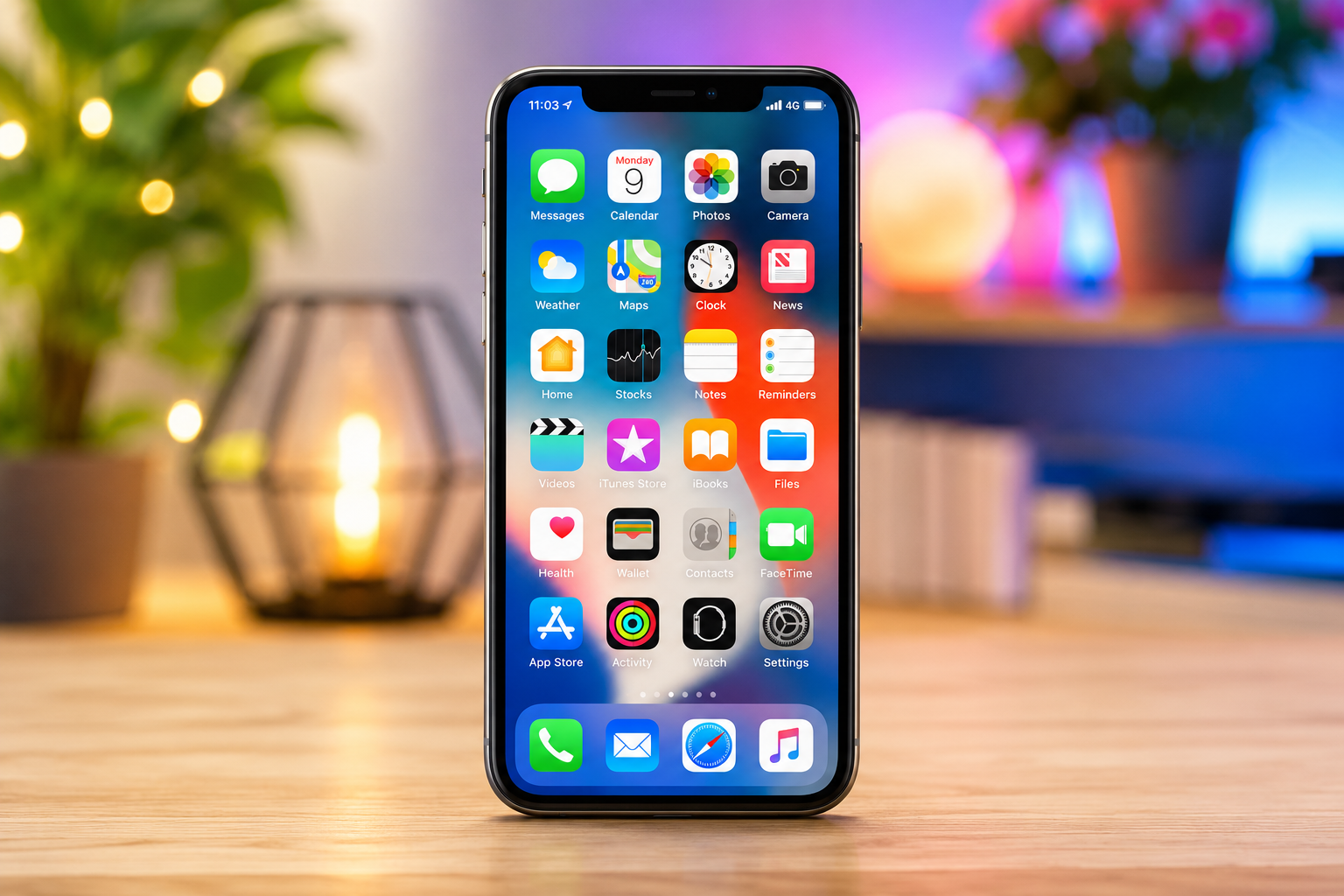
Many people believe that iPhones cannot be hacked. This idea has been repeated for years, leading some users to think they never need to worry about cybersecurity. The truth, however, is more nuanced. Apple’s iPhone is widely regarded as one of the most secure smartphones available, thanks to its strong hardware protections, encrypted data, and carefully controlled app ecosystem. Yet no device connected to the internet is completely immune to cyber threats.
Hackers are constantly looking for new ways to steal personal information, access online accounts, or trick users into giving away sensitive data. In many cases, they do not break into the iPhone itself. Instead, they exploit human behavior through phishing emails, fake text messages, fraudulent websites, weak passwords, or compromised online accounts.
The good news is that protecting your iPhone does not require advanced technical skills. By understanding how hackers operate and following a few smart security habits, you can dramatically reduce your risk of becoming a victim.
Why Hackers Target iPhones
Your iPhone contains a remarkable amount of valuable information. It stores photos, messages, contacts, passwords, financial details, health information, location history, and access to numerous online accounts. For a cybercriminal, gaining control of even one device can provide opportunities for identity theft, financial fraud, or blackmail.
Some attackers are interested in stealing banking credentials. Others want login information for social media or email accounts. In more sophisticated attacks, cybercriminals attempt to install spyware that secretly monitors a user’s activity.
Most hackers are not specifically targeting you as an individual. Instead, they launch large-scale campaigns that attempt to deceive thousands or even millions of people. Their success depends on convincing someone to click the wrong link or trust the wrong message.
Keep iOS Updated
One of the simplest and most effective ways to protect your iPhone is to install software updates as soon as they become available.
Apple regularly releases security updates that fix newly discovered vulnerabilities. These weaknesses may have been identified by Apple’s own security researchers or reported by independent experts around the world. Occasionally, updates also patch security flaws that attackers have already attempted to exploit.
Delaying updates leaves your device exposed to known vulnerabilities. Installing the latest version of iOS helps ensure that your iPhone benefits from Apple’s newest security improvements.
Automatic updates are especially useful because they reduce the chance of forgetting to install important security patches.
Use a Strong Passcode
Your passcode is the first barrier protecting your personal data.
Simple codes such as “123456,” “000000,” or birthdays are easy for criminals to guess. A longer numeric code or an alphanumeric password provides much stronger protection.
Modern iPhones also include Face ID or Touch ID, which use biometric authentication to unlock your device securely. These technologies are designed to make accessing your phone convenient while reducing the risk of unauthorized access.
Although biometric authentication is highly secure, it still relies on a strong backup passcode. Choosing a unique passcode remains essential.
Protect Your Apple Account
Your Apple Account (formerly called Apple ID) is even more important than your iPhone itself.
If someone gains access to your Apple Account, they may be able to access your iCloud data, backups, photos, contacts, and connected Apple devices.
A strong, unique password is the foundation of account security. Reusing passwords across multiple websites increases the risk that one data breach could compromise many accounts.
Enabling two-factor authentication adds another powerful layer of protection. Even if a criminal somehow learns your password, they cannot easily access your account without the additional verification step.
Beware of Phishing Attacks
Many successful cyberattacks never involve hacking your iPhone directly.
Instead, attackers attempt to trick you into voluntarily revealing sensitive information.
Phishing attacks often arrive as emails, text messages, phone calls, or fake websites pretending to come from trusted companies. You may receive a message claiming your Apple account has been locked, a package delivery failed, or your bank needs immediate verification.
These messages are designed to create urgency and pressure you into clicking a malicious link.
Before entering passwords or personal information, carefully examine the website address. Official companies rarely ask customers to verify sensitive information through unexpected messages.
When in doubt, open the company’s official app or type its website address manually instead of using links from emails or text messages.
Download Apps Only From the App Store
Apple reviews apps before they appear in the App Store, helping reduce the risk of malicious software.
Although no review process is perfect, downloading apps exclusively from the App Store is significantly safer than installing software from unofficial sources.
Be cautious even within the App Store. Read reviews, check the developer’s name, examine the number of downloads, and consider whether an app is requesting permissions that seem unnecessary.
A simple flashlight app, for example, should not need access to your contacts or microphone.
Choosing reputable apps helps reduce unnecessary security risks.
Review App Permissions Regularly
Many apps request access to features such as your camera, microphone, location, photos, or contacts.
Some permissions are necessary for an app to function properly. Others may not be.
Reviewing these permissions periodically allows you to determine which apps truly need access to your personal information.
If an app no longer requires a particular permission, disabling it reduces the amount of data available to that application.
Limiting access is an important principle of digital security because it minimizes unnecessary exposure.
Use Strong and Unique Passwords
Every online account should have its own unique password.
Using the same password for multiple services creates a chain reaction. If one website suffers a data breach, attackers may attempt to use the stolen password on your email, banking, or shopping accounts.
Password managers can securely generate long, random passwords that are difficult to guess while making them easier to manage.
Apple’s built-in password management tools can also help identify weak or reused passwords and suggest stronger alternatives.
Secure Your Wi-Fi Connections
Public Wi-Fi networks at airports, hotels, cafés, and shopping centers can sometimes expose users to additional risks.
Although modern websites generally use encrypted connections, attackers may still create fake Wi-Fi networks that imitate legitimate ones.
Before connecting, verify that the network belongs to the business or organization offering internet access.
Avoid accessing highly sensitive accounts, such as online banking, over unfamiliar public networks whenever possible.
Using trusted networks significantly reduces opportunities for interception or deception.
Keep Bluetooth and AirDrop Under Control
Bluetooth and AirDrop are convenient features, but they should not remain unnecessarily accessible.
When you are not using Bluetooth, turning it off reduces unnecessary wireless exposure and can also conserve battery life.
Similarly, configuring AirDrop to receive files only from your contacts—or turning it off when not needed—helps prevent unwanted file-sharing requests from nearby strangers.
While modern versions of iOS include strong protections, limiting unnecessary wireless communication remains a sensible security practice.
Watch for Suspicious Links
Cybercriminals frequently disguise malicious websites as legitimate ones.
A fake banking website might look nearly identical to the real one. A fraudulent Apple login page may use similar logos and colors.
Before tapping a link, consider whether you expected the message.
Unexpected password reset emails, prize notifications, shipping alerts, or urgent account warnings deserve extra scrutiny.
Taking a few seconds to verify a link can prevent serious security problems.
Avoid Jailbreaking Your iPhone
Some users choose to jailbreak their iPhones to install unofficial apps or customize the operating system.
While jailbreaking offers greater flexibility, it also removes many of Apple’s built-in security protections.
A jailbroken device may become more vulnerable to malware, unauthorized software, and security exploits.
For most users, the security risks outweigh the benefits.
Keeping your iPhone in its standard configuration provides significantly stronger protection.
Turn On Find My iPhone
Losing your iPhone can become both a financial and privacy disaster.
Apple’s Find My feature allows you to locate your device, remotely lock it, display a message for whoever finds it, or erase its contents if recovery appears impossible.
Even if someone physically steals your phone, these features help reduce the chances of your personal information falling into the wrong hands.
Preparing for the possibility of loss before it happens is an important part of good security.
Back Up Your Data
No security strategy is complete without backups.
Although hacking receives much attention, devices can also be lost, damaged, or destroyed.
Regular backups ensure that your photos, contacts, documents, and important information remain recoverable if something unexpected occurs.
Apple’s iCloud Backup provides an automated solution, while local backups to a computer offer another reliable option.
Having multiple copies of valuable data is one of the simplest ways to protect yourself from permanent loss.
Recognize Scam Phone Calls
Not every cyberattack begins online.
Some criminals impersonate Apple Support, banks, government agencies, or technical support representatives over the phone.
They may claim your account has been compromised or that your device is infected with malware.
Their goal is often to persuade you to reveal passwords, verification codes, or payment information.
Legitimate organizations generally do not request sensitive credentials during unsolicited phone calls.
If you receive a suspicious call, end the conversation and contact the organization using its official phone number.
Monitor Your Accounts
Early detection can greatly reduce the damage caused by cybercrime.
Pay attention to unexpected login alerts, password reset emails, unfamiliar purchases, or notifications about changes you did not make.
Many online services notify users when a new device signs in.
If something seems unusual, changing your password immediately and reviewing account activity can prevent further unauthorized access.
The sooner suspicious activity is detected, the easier it is to contain.
Learn to Recognize Social Engineering
Many hackers succeed because they manipulate human psychology rather than technology.
This tactic, known as social engineering, relies on creating fear, urgency, curiosity, or excitement.
A message may claim your account will be deleted within minutes unless you act immediately.
Another may promise a free gift or exclusive offer.
These emotional triggers are designed to encourage quick decisions without careful thinking.
Developing healthy skepticism toward unexpected requests is one of the strongest defenses against cybercrime.
Keep Privacy Settings Updated
Apple provides numerous privacy controls that allow users to limit data sharing.
Reviewing these settings occasionally helps ensure that location services, tracking permissions, microphone access, camera permissions, and app data sharing match your preferences.
Technology evolves rapidly, and software updates sometimes introduce new privacy options.
Spending a few minutes reviewing these settings periodically can improve both privacy and security.
Understand That Good Security Is a Habit
Cybersecurity is not a single feature that you enable once.
It is an ongoing process of making informed decisions every day.
Installing updates, using strong passwords, recognizing scams, verifying links, protecting your Apple Account, and staying informed about emerging threats all contribute to a safer digital life.
Hackers continuously adapt their techniques, but users can adapt as well.
Knowledge remains one of the most effective security tools available.
Final Thoughts
Your iPhone is one of the most secure smartphones ever created, combining sophisticated hardware protections, strong encryption, and regular security updates. Yet even the most advanced technology cannot eliminate every risk. Most successful attacks today rely on deception rather than technical wizardry, targeting human trust instead of breaking through Apple’s security systems.
The encouraging news is that protecting your iPhone does not require specialized expertise. Small, consistent habits—keeping iOS updated, using strong passwords, enabling two-factor authentication, downloading apps only from trusted sources, and remaining cautious of unexpected messages—can dramatically reduce your chances of becoming a victim.
In today’s connected world, cybersecurity is no longer just a concern for technology experts. It is an essential part of everyday life. By staying alert, making thoughtful choices, and understanding how common attacks work, you can enjoy the convenience of your iPhone with greater confidence, knowing that your personal information is far better protected against the ever-changing landscape of digital threats.