Every smartphone you carry, every laptop you use, every desktop computer on your desk, and even many of the world’s fastest supercomputers have one thing in common: they all rely on a processor. Often called the “brain” of a device, a processor performs billions of calculations every second, allowing software to run, videos to play, games to come alive, and websites to load in an instant.
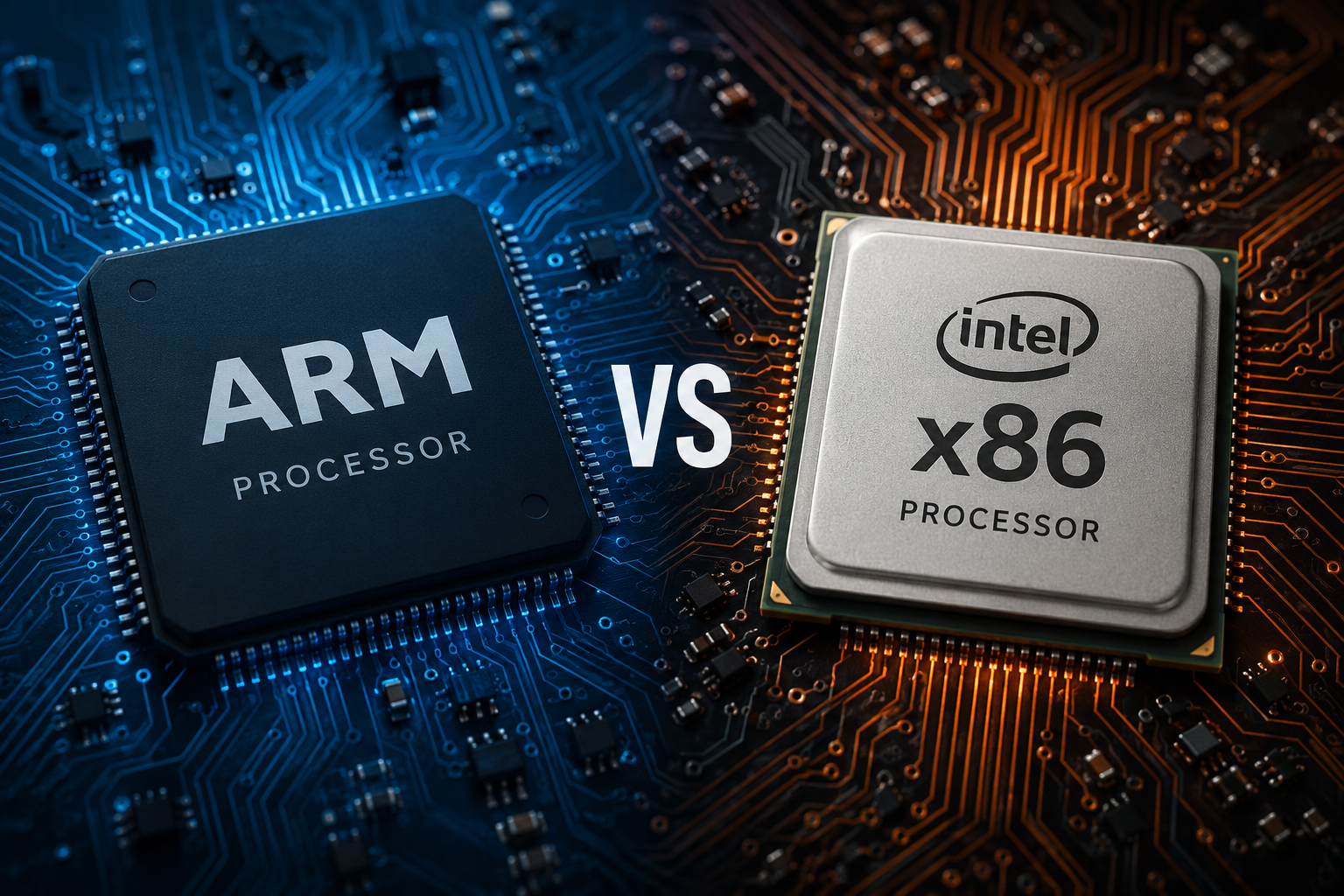
But not all processors are built the same way. Behind the scenes, two processor architectures dominate the computing world: ARM and x86. These two technologies power billions of devices, yet they are designed with different philosophies and excel in different situations.
For decades, x86 processors ruled desktop and laptop computers, while ARM processors became the heart of smartphones and tablets. Today, however, the line between them is becoming increasingly blurred. ARM-powered laptops are becoming more powerful than ever, while x86 chips continue to evolve with better efficiency and performance. As a result, choosing between ARM and x86 has become more important than ever.
Understanding the differences between these processor architectures can help you make smarter decisions when buying a computer, smartphone, or even choosing hardware for business or software development.
What Is a Processor?
A processor, or Central Processing Unit (CPU), is the component that executes instructions from software. Every time you open an application, edit a photo, browse the internet, or play a game, the processor performs millions or even billions of operations to make those tasks happen.
The processor communicates with memory, storage, graphics hardware, and other components while following instructions provided by software.
The speed and efficiency of a processor directly affect how fast and smoothly a device performs.
What Is Processor Architecture?
Before comparing ARM and x86, it is important to understand what processor architecture actually means.
Processor architecture, also called an Instruction Set Architecture (ISA), defines the set of instructions a processor understands and how software communicates with the hardware. It specifies how data is processed, how memory is accessed, and how instructions are executed.
Think of architecture as the language spoken by the processor. Software must use this language to tell the processor what to do.
ARM and x86 speak different “languages.” As a result, software compiled for one architecture generally cannot run natively on the other without recompilation, translation, or emulation.
What Is x86?
The x86 architecture originated with Intel’s 8086 processor, introduced in 1978. Over the decades, Intel expanded the architecture, and AMD developed compatible processors, creating the x86 ecosystem that dominates traditional personal computers.
Modern x86 processors are technically based on the 64-bit extension known as x86-64 (or AMD64), although many people still simply refer to them as x86.
For decades, nearly every Windows desktop, gaming PC, and workstation relied on x86 processors.
Major manufacturers of x86 processors include Intel and AMD.
What Is ARM?
ARM is a processor architecture developed by Arm Ltd. Instead of manufacturing processors itself, Arm designs processor architectures and CPU cores, then licenses them to other companies.
Many companies—including Apple, Qualcomm, MediaTek, Samsung, NVIDIA, and others—design processors based on ARM technology.
ARM processors became famous for their exceptional energy efficiency, making them ideal for smartphones, tablets, smartwatches, smart TVs, and countless Internet of Things (IoT) devices.
Today, ARM has expanded far beyond mobile devices and is increasingly powering laptops, servers, and even supercomputers.
The Different Design Philosophies
Although both architectures accomplish the same goal—executing software—they approach the task differently.
Traditionally, x86 processors use a Complex Instruction Set Computing (CISC) approach. This means the processor supports a large and versatile set of instructions, some of which can perform multiple operations in a single instruction. Modern x86 CPUs often translate these complex instructions internally into simpler micro-operations for efficient execution.
ARM processors are traditionally based on a Reduced Instruction Set Computing (RISC) philosophy. RISC designs generally emphasize a simpler, more uniform instruction set, allowing instructions to be decoded efficiently and helping achieve high performance with lower power consumption.
In practice, the distinction is less rigid than it once was. Modern ARM and x86 processors both use highly advanced techniques such as out-of-order execution, branch prediction, deep pipelines, and multiple execution units. Nevertheless, their historical design philosophies continue to influence their strengths.
Performance
Performance is often the first thing people consider when comparing processors.
For many years, x86 processors held a significant advantage in raw computing performance, especially for demanding workloads such as gaming, engineering software, scientific simulations, and professional content creation.
Modern Intel and AMD processors feature high clock speeds, many processing cores, large caches, and sophisticated technologies that allow them to handle extremely demanding applications.
However, ARM processors have made extraordinary progress.
Apple’s transition from Intel processors to its own ARM-based Apple Silicon chips demonstrated that ARM processors can deliver exceptional performance while maintaining remarkable efficiency.
Today’s flagship ARM processors can rival or exceed many traditional laptop processors in numerous everyday tasks, creative workloads, and software development.
The performance gap that once separated ARM and x86 has narrowed considerably.
Power Efficiency
One of ARM’s greatest strengths is energy efficiency.
ARM processors are designed to perform more work while consuming less electrical power. This means devices generate less heat and require smaller batteries or less cooling.
This efficiency explains why smartphones can operate for an entire day—or even longer—on a single battery charge.
ARM-powered laptops also benefit from impressive battery life, with some models lasting well over ten hours of active use.
Modern x86 processors have become much more power-efficient than earlier generations, but they generally consume more power under heavy workloads than similarly performing ARM processors.
Heat Generation
Power consumption and heat are closely related.
Because ARM processors typically use less electricity, they also produce less heat.
Many ARM devices operate silently without cooling fans.
Smartphones, tablets, and some lightweight laptops rely entirely on passive cooling.
High-performance x86 processors often require active cooling systems that include fans or liquid cooling solutions.
This is not necessarily a disadvantage, as these cooling systems enable x86 processors to sustain very high performance during demanding tasks.
Battery Life
Battery life has become one of the biggest advantages of ARM-based laptops.
Lower power consumption allows devices to operate much longer without recharging.
Many modern ARM laptops can easily last through an entire workday while handling web browsing, video conferencing, office applications, and media playback.
Traditional x86 laptops have also improved significantly, especially with recent processor generations, but they often consume more power during intensive workloads.
For users who travel frequently, battery life can be a deciding factor.
Software Compatibility
Software compatibility has traditionally favored x86.
Most Windows applications, older software, and many professional programs were originally developed for x86 processors.
Because of this long history, x86 systems generally offer excellent compatibility with legacy software.
ARM systems require software that has either been compiled specifically for ARM or translated using compatibility technologies.
Fortunately, software support has improved dramatically in recent years.
Windows on ARM includes emulation for many x86 applications, while Apple’s Rosetta 2 translation technology enabled many Intel-based Mac applications to run efficiently on Apple Silicon during the transition. Even so, native ARM versions of applications usually provide the best performance and energy efficiency.
Today, many major applications—including web browsers, office suites, programming tools, creative software, and communication platforms—offer native ARM versions.
Gaming Performance
Gaming remains one of the areas where x86 continues to dominate.
Most PC games are designed primarily for x86 processors and are optimized for Intel and AMD hardware.
Gaming computers also benefit from powerful dedicated graphics cards, which are most commonly paired with x86 processors.
ARM gaming has improved considerably.
Smartphones powered by ARM processors now run visually impressive games with advanced graphics.
ARM-based laptops can also handle many modern games, especially when developers optimize their software for the architecture.
Nevertheless, if maximum gaming performance and compatibility are your priorities, x86 systems currently offer a broader selection of games and hardware.
Productivity and Everyday Computing
For everyday tasks, both architectures provide excellent performance.
Browsing the web, watching videos, participating in video calls, writing documents, managing emails, editing photos, and streaming music can all be handled effortlessly by modern ARM and x86 processors.
Most users are unlikely to notice major differences during ordinary daily activities.
Instead, factors such as battery life, device design, display quality, storage speed, and available software often become more important than processor architecture alone.
Professional Workloads
Professionals often use software that demands maximum computing power.
Video editing, 3D rendering, animation, software compilation, engineering simulations, architectural design, and scientific computing can place enormous demands on processors.
High-end x86 workstations remain extremely powerful choices for many of these workloads, particularly when applications are heavily optimized for Intel or AMD processors.
At the same time, high-performance ARM processors—especially Apple’s latest chips—have demonstrated outstanding capabilities in video editing, software development, music production, photography, and many creative applications.
The best choice depends not only on processor architecture but also on the software ecosystem and hardware configuration.
Artificial Intelligence
Artificial intelligence has become a major focus of modern processors.
Both ARM and x86 manufacturers now integrate specialized hardware for AI acceleration.
Many modern processors include dedicated Neural Processing Units (NPUs), AI engines, or other specialized accelerators that improve machine learning tasks such as image recognition, speech processing, language translation, and generative AI features while reducing power consumption.
These dedicated AI components are becoming increasingly important as AI applications continue to expand across personal computing.
Security
Security is another important area where both architectures have evolved significantly.
Modern ARM and x86 processors include hardware security features that help protect sensitive information.
Examples include secure boot mechanisms, virtualization support, memory protection technologies, encryption acceleration, and trusted execution environments.
No architecture is inherently immune to security vulnerabilities.
Instead, security depends on processor design, firmware, operating system updates, software quality, and responsible maintenance.
Servers and Cloud Computing
For many years, nearly every server in data centers used x86 processors.
Today, ARM is rapidly gaining ground.
Cloud providers increasingly deploy ARM-based servers because they offer impressive performance while reducing electricity consumption and operating costs.
Large-scale cloud computing environments benefit greatly from improved energy efficiency since even small power savings become significant across thousands of servers.
As a result, ARM now plays an important role in modern cloud infrastructure.
Smartphones and Tablets
ARM dominates the mobile world.
Virtually every modern smartphone and tablet uses an ARM-based processor.
The combination of excellent battery life, efficient thermal management, and strong performance makes ARM ideal for portable devices.
This dominance has continued for decades and remains unlikely to change in the near future.
Desktop Computers
Desktop computers continue to be led primarily by x86 processors.
Intel and AMD offer a wide range of desktop CPUs for gaming, office work, programming, engineering, and professional content creation.
However, ARM desktop systems are becoming increasingly capable.
Apple’s desktop computers powered by Apple Silicon have demonstrated that ARM processors can deliver excellent desktop performance for many users.
As software support continues to expand, ARM desktops may become more common in the future.
Laptops
The laptop market has become one of the most competitive areas for ARM and x86.
Traditional x86 laptops continue to offer excellent compatibility, powerful gaming capabilities, and broad software support.
ARM laptops increasingly attract users who value long battery life, quiet operation, instant wake-up, and excellent performance for everyday productivity.
Both architectures now offer compelling options depending on individual needs.
The Future of ARM and x86
The competition between ARM and x86 is driving rapid innovation.
ARM processors continue to become faster, more capable, and more widely adopted beyond mobile devices.
Meanwhile, Intel and AMD continue improving efficiency while maintaining outstanding performance for demanding applications.
Rather than one architecture replacing the other entirely, the future is likely to include both. Each architecture continues to evolve, borrowing ideas from the other and benefiting from advances in semiconductor manufacturing, chip packaging, AI acceleration, and software optimization.
Consumers ultimately benefit from this competition through faster, more efficient, and more capable computing devices.
Which One Should You Choose?
There is no universal winner because the best choice depends on how you use your device.
If your priority is maximum compatibility with traditional desktop software, high-end gaming, professional engineering applications, or extensive hardware customization, an x86 system remains an excellent choice.
If you value exceptional battery life, quiet operation, outstanding power efficiency, and strong performance for everyday computing or creative work, an ARM-based device may be the better fit.
The gap between ARM and x86 has narrowed dramatically over the past decade. Modern processors from both architectures are remarkably capable, and for many users, either can deliver an outstanding computing experience.
Conclusion
ARM and x86 processors represent two of the most influential technologies in modern computing. Although they were developed with different design philosophies, both have evolved into highly sophisticated architectures capable of powering everything from smartphones and laptops to cloud servers and supercomputers.
ARM has earned its reputation through exceptional energy efficiency and has expanded into increasingly powerful personal computers and servers. x86, with its long history of compatibility and high-performance computing, continues to dominate many desktop, gaming, and workstation environments while becoming more efficient with each new generation.
Rather than asking which architecture is universally better, it is more useful to ask which one best matches your needs. As both ARM and x86 continue to advance, users can expect faster performance, smarter AI capabilities, longer battery life, and more innovative devices—regardless of the architecture inside.